

Go out tablet shopping, and you'll inevitably find yourself looking at the big glowing Apple logo. And that's fair. Apple has spent years setting the benchmark with the iPad Pro, pairing one of the best displays in the business with M-series chips that are powerful enough to replace a laptop for a lot of people. Even if you don't end up buying one, it's usually where the conversation starts.
The Android camp isn't far behind anymore. Samsung's Galaxy Tab Ultra lineup has become a genuine alternative for creatives, and OnePlus' new Pad 4 proves the gap is closing faster than ever.

Which makes the ProArt PZ14 an interesting proposition. If you're unfamiliar with the ProArt name, it's ASUS's premium lineup built specifically for creators. The range already includes laptops, monitors, desktops and even graphics cards designed for photographers, filmmakers, illustrators and anyone whose workflow depends on colour accuracy and reliable performance. The PZ14 is ASUS asking a slightly different question: what if that same creator-first philosophy came in the form of a Windows tablet?
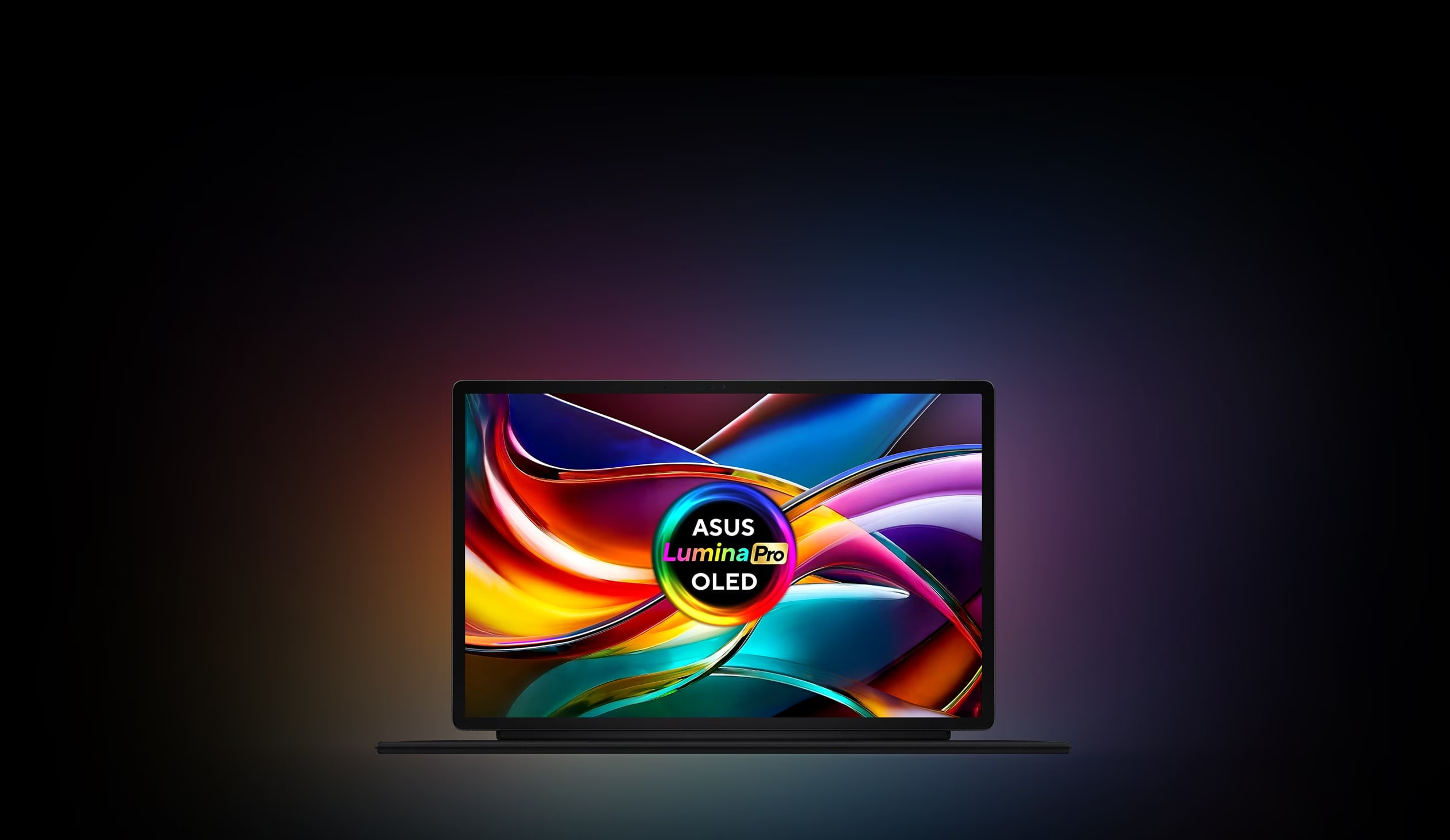
It does something most devices in this price bracket stop bothering with. It makes you pause mid-scroll and just look at the thing. Open a photo, any photo, and the 14-inch OLED does what a properly built OLED panel is supposed to do: blacks that go all the way down, colour that doesn't need warming up, motion that stays clean even with the refresh rate maxed out at 144Hz. ASUS calls it the Lumina Pro. I'll just call it one of the best screens I've used on a Windows machine this year.
Everything but the keyboard
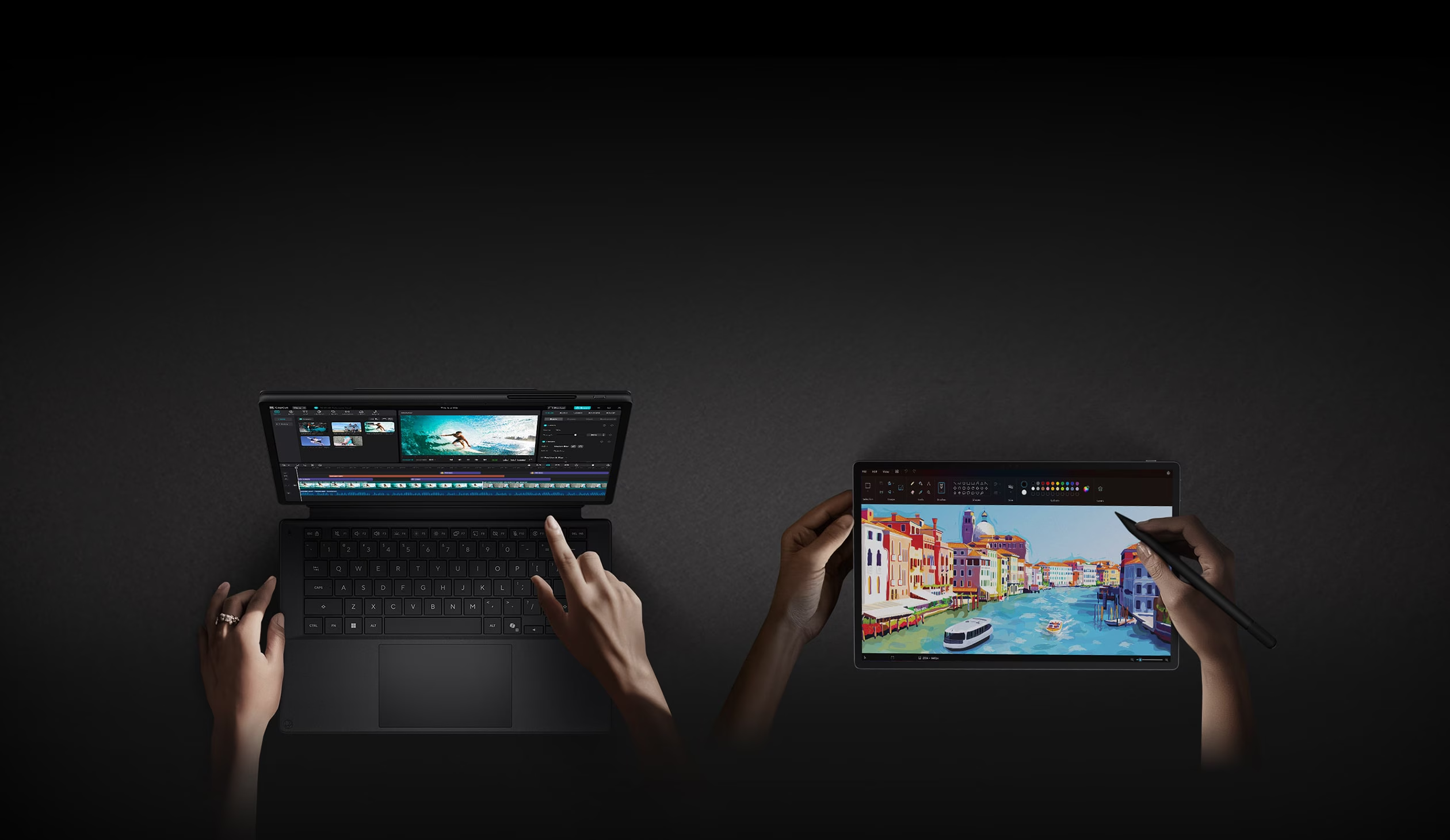
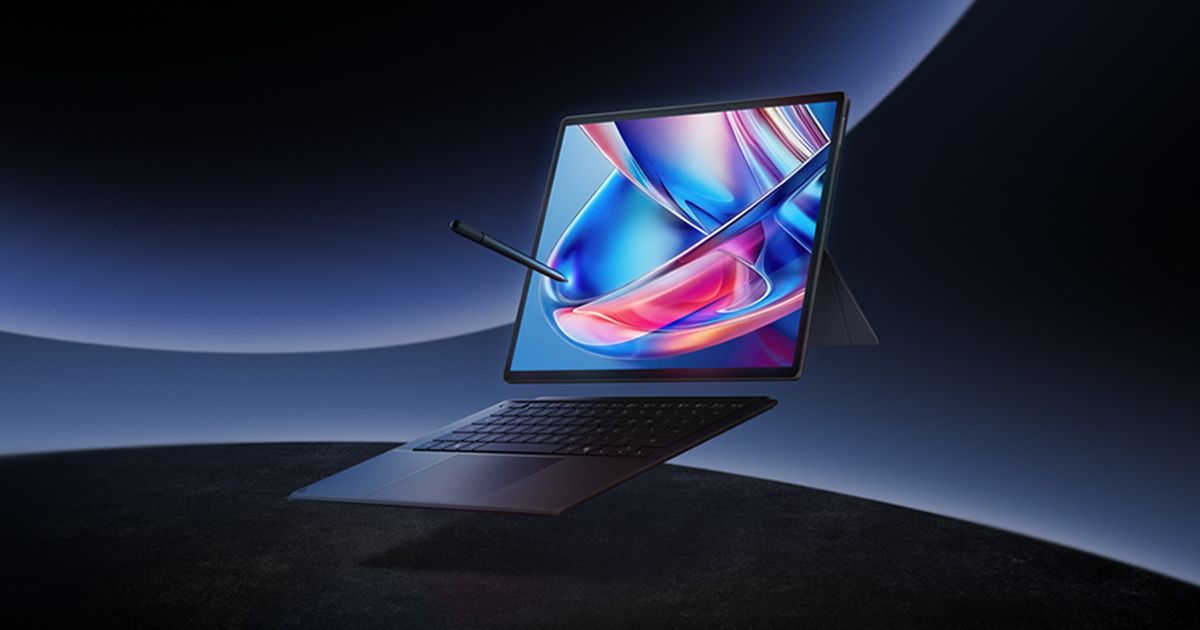
Pick the tablet up on its own, and every choice ASUS made feels considered. The unibody is CNC-machined aluminium, not the pressed sheet stuff you get on cheaper 2-in-1s, in a finish ASUS calls Nano Black that resists fingerprints far better than it has any right to given how often this thing gets picked up and put down through a working day. At 0.79 kilograms and 9 millimetres thick, it sits closer in the hand to an iPad Pro than to any laptop I've used, and ASUS has bothered to run it through MIL-STD 810H drop and shock testing and given it an IP52 rating, so a splash of chai on the desk or a light shower on the way to a shoot won't kill it.
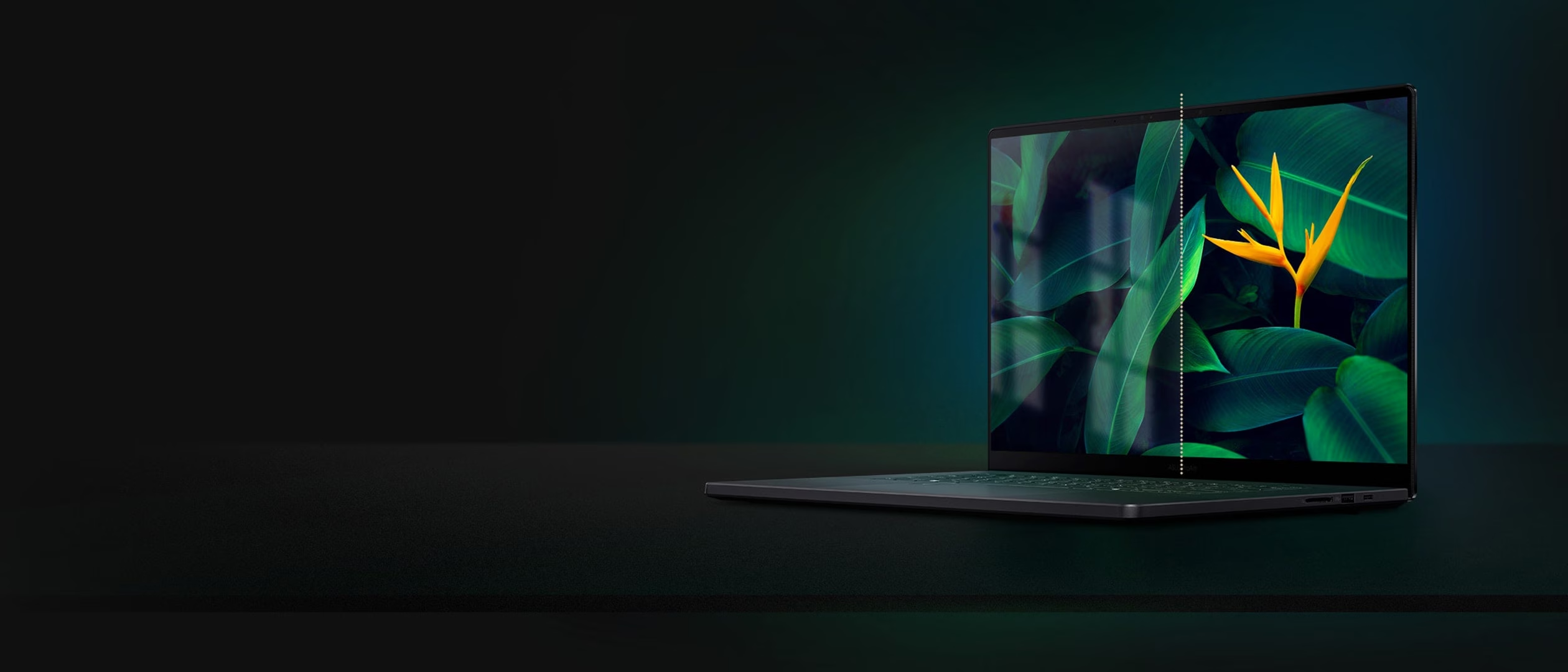
The screen does the rest of the convincing. It's a 14-inch, 3K OLED panel running at 144Hz with an anti-reflective coating that actually works outdoors, not the marketing kind that only works in a dim conference room. ASUS rates it at up to 1,000 nits peak for HDR content and claims full DCI-P3 coverage. Whether you're grading a photo or watching something before bed, this is a screen that makes you notice.
Then you pick up the keyboard, and the story changes. It isn't a bad keyboard so much as an honest one about what it had to give up to exist at all. It attaches magnetically rather than through a hinge, more Surface Go than Surface Pro, which means it pops off if you lift the whole thing carelessly by one corner. Key travel is rated at 1.7 millimetres, which reads fine on a spec sheet and doesn't feel fine under your fingers, especially if you're coming to this from any proper laptop keyboard. The keys sit close enough together that I kept clipping the hash key when I meant to hit Enter. Everything else on the PZ14 argues that ASUS wanted to build something premium without compromise. The keyboard is where that argument runs out of money, the way a well-specced car sometimes hides its cheapest plastic on the one panel your hand touches every single day.
The pen gets it; Windows doesn't

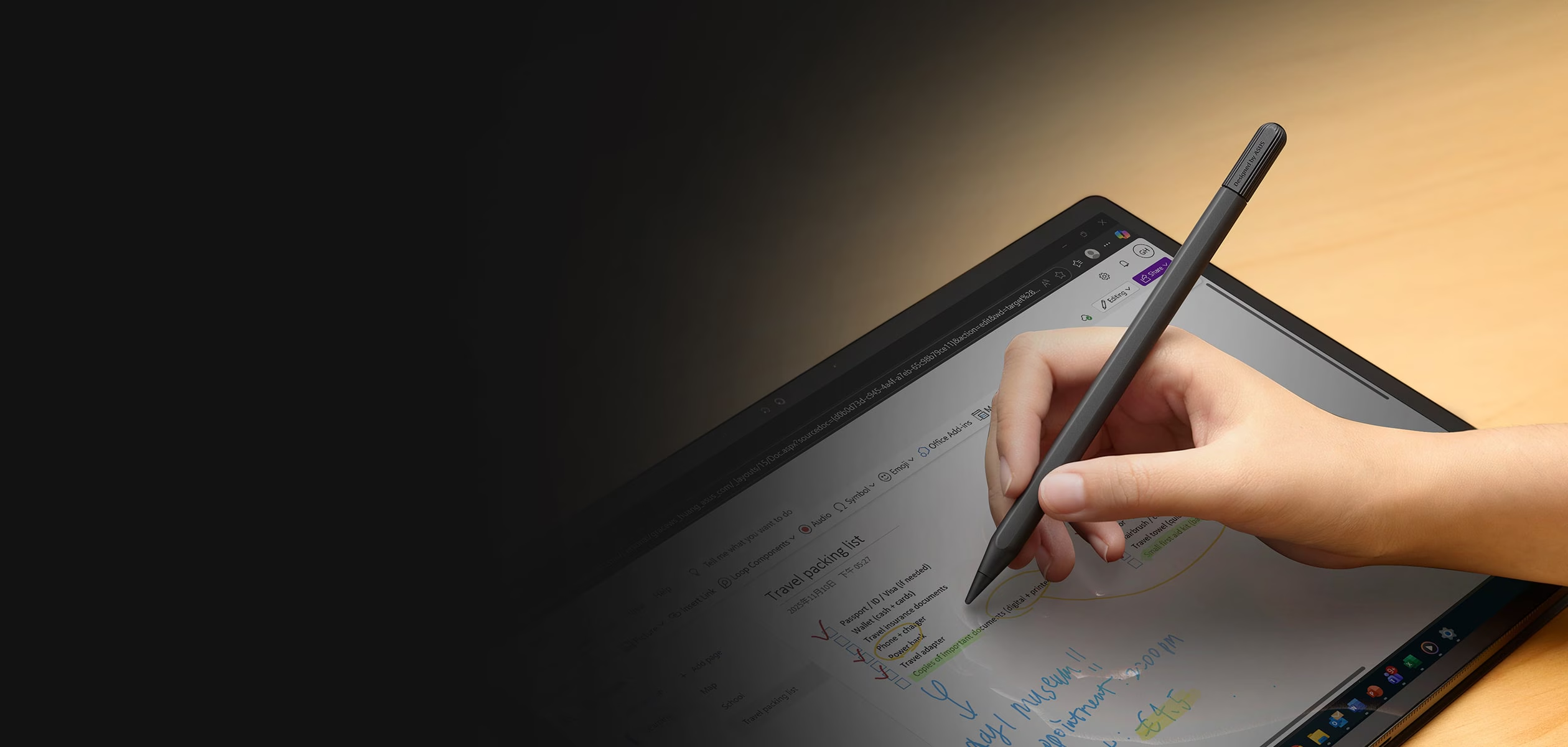
Where the PZ14 genuinely earns its creator branding is the ASUS Pen 3.0 that comes in the box, not sold separately, not an afterthought added to pad out a spec sheet. It runs Microsoft's Pen Protocol 2.6, holds 4,096 levels of pressure sensitivity, reads tilt, and charges by sitting in a magnetic dock built into the keyboard's stand cover. In Photoshop or Lightroom, it does what a good stylus is supposed to do, which is disappear. You stop thinking about the tool and just make the mark. ASUS has even added what it calls brush sound feedback, small haptic pulses that mimic the drag of a nib on paper, and while that sounds like the kind of line a product page invents to fill space, it works well enough that I found myself reaching for the pen over the trackpad for things that had nothing to do with drawing, like scrolling through an excel sheet or signing a pdf.
The Snapdragon X2 Elite underneath handles the actual work without complaint. ASUS has also loaded it with its own AI layer, StoryCube for sorting through RAW files and footage automatically, and MuseTree for turning a text prompt into a mood board without needing the cloud. Neither is essential, but neither gets in the way either, which for bundled software is a genuinely rare compliment.
Where the chip does still show its age is anywhere near a game. Indiana Jones and the Great Circle ran…decent-ish, and Hogwarts Legacy ran but with visible graphical breakup throughout. None of that matters much if this thing's job is stills and video rather than Steam, which, for most people buying a ProArt, it is.
None of that is the real issue, though. The real issue shows up the moment you take the keyboard off and try to use the PZ14 as the tablet ASUS clearly wants it to be. Windows has been getting better at this for the better part of a decade, and underneath the touch-friendly icons and the redesigned Start menu, it is still an operating system built for a mouse and a cursor that has had touch bolted onto the side of it. Settings menus assume you can right-click. File Explorer assumes you have fingers precise enough to hit a target smaller than a fingertip. Notifications and window snapping behave like someone tested them once on a large monitor and called it done. None of this is unique to the PZ14. Every Windows tablet since the original Surface has run into the same wall, and ASUS, to its credit, has clearly tried to soften it with its own creator apps layered on top. But you can dress a desktop operating system in a tablet's clothes and it will still walk like a desktop operating system, and on a device this committed to being held in one hand, that mismatch is the first thing you notice and the last thing you stop noticing.
The Battery
ASUS's own claims up to twenty-two hours out of the 75Wh cell, and like every optimistic number on every spec sheet, it was reached under conditions nobody actually works in: minimum brightness, aeroplane mode, a video looping in the background while the chip does nothing else. Real use looks different. Across a genuine working day, editing photos, writing, apps syncing in the background, the display bright enough to actually see, expect something in the neighbourhood of thirteen to seventeen hours depending on how hard you're pushing it. That is still comfortably more than a full day away from a plug, and considerably better than most Intel or AMD machines in the same category manage. The ARM chip is doing real work here, not just marketing work.
One quirk worth knowing before you buy: the keyboard only charges while it's attached to the tablet. Leave it detached for a few days, which is exactly what ASUS wants you to do if you're using this as a tablet, and it will be flat by the time you clip it back on. It's a small thing. It is also a very on-brand small thing for a device that keeps almost getting the tablet experience completely right.
Buy the tablet, tolerate the laptop
At Rs 2,69,990, the ProArt PZ14 is not a casual purchase, and it doesn't pretend to be one. For that money you get one of the best screens on the market at any size, hardware that feels genuinely built rather than assembled, a stylus that belongs in devices twice the price, and battery life that will outlast your working day without drama. You also get a keyboard that feels like the one part of the budget that ran out, and an operating system that has spent a decade trying to convince itself it understands tablets and still hasn't quite managed it.
None of that makes the PZ14 a bad buy. It makes it a specific one. If you're a photographer or an illustrator or someone who edits on the move and thinks of the keyboard as something you tolerate rather than something you live on, this is close to the best version of that idea currently on sale. If what you actually want is a laptop that occasionally remembers it has a touchscreen, ASUS already sells several of those, and you'd be better off with one of them. The PZ14 knows exactly what it wants to be. Windows still hasn't caught up to the idea.


