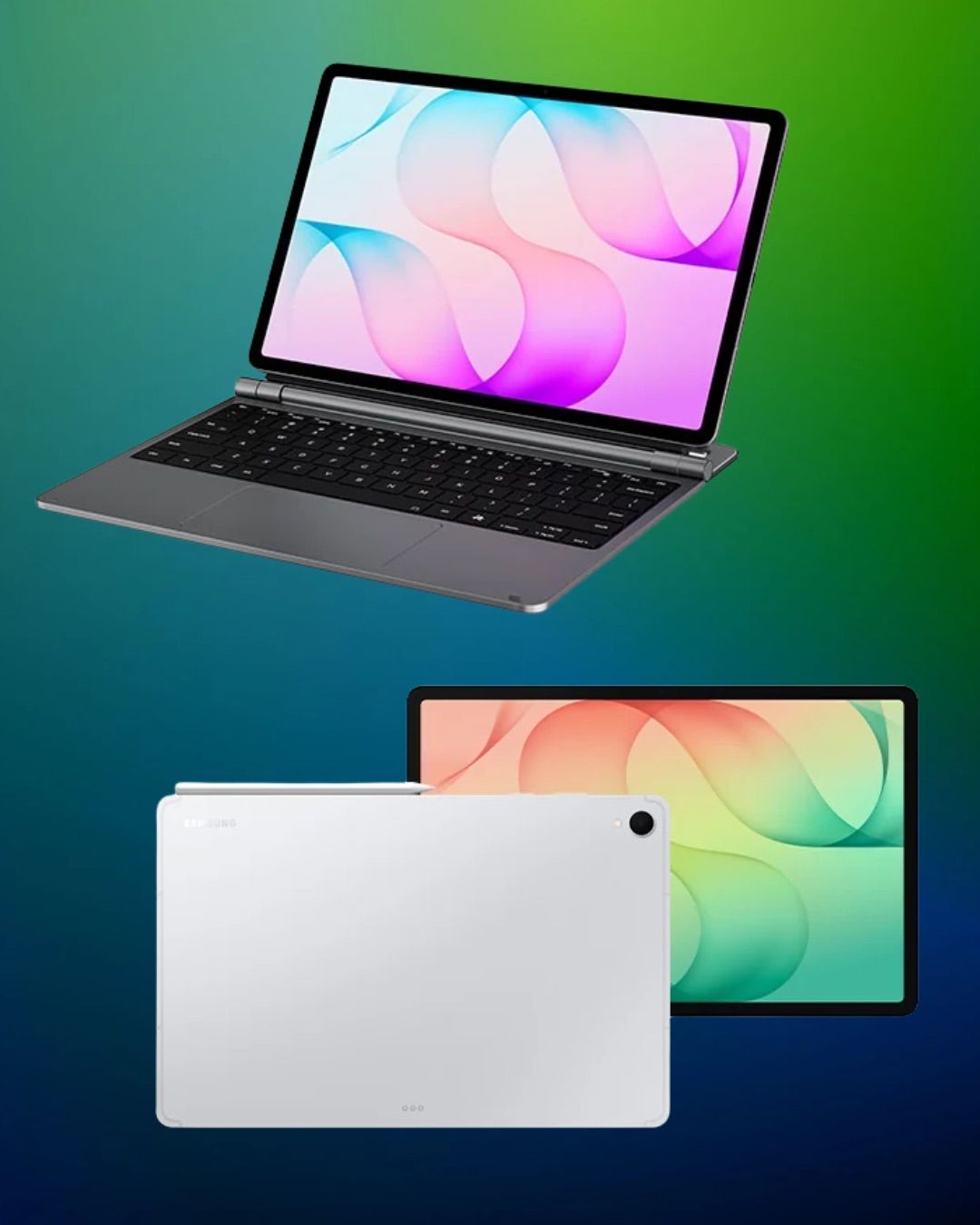
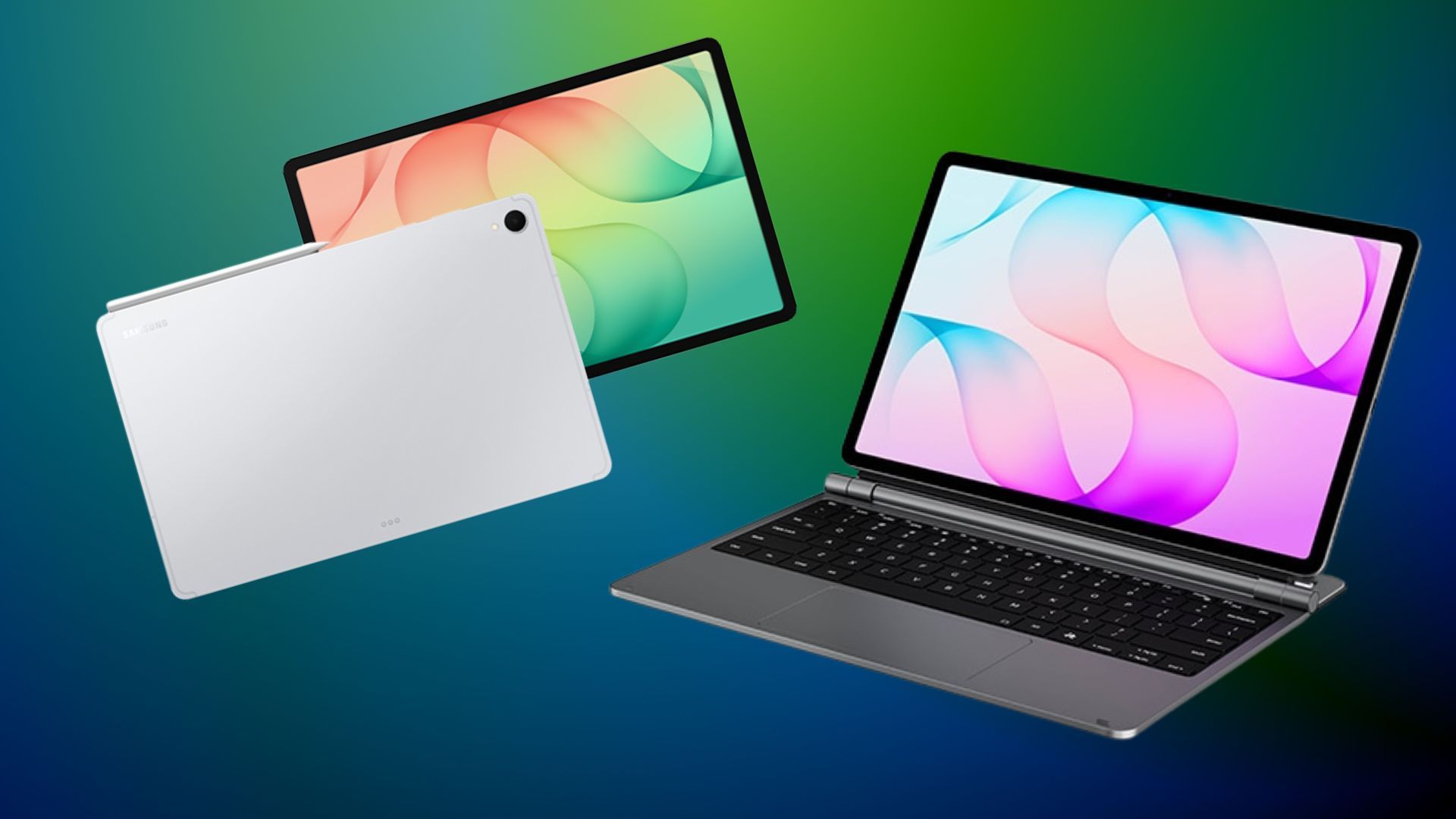
Tablets have always occupied the space between my phone and laptop–great to watch content, browsing and getting some light work done. But the moment I need to do something more ‘substantial’, I inevitably find myself reaching for my laptop.
A month ago, I got my hands on the Samsung Galaxy Tab S12+ paired with Samsung’s Pro Keyboard and it made me reconsider my habits. This combo packs a surprisingly productive machine that can handle much more than I initially expected. From writing emails and multitasking to taking notes, virtual meetings, sketching and even editing videos and photos, nothing felt out of reach. And what made it my preferred choice of device to use was its form factor that is considerably easier to carry around than a conventional laptop.
Don’t get me wrong, there are small flaws that you will encounter, but those are easily forgiven given how portable it is and the fact that both the tablet and keyboard together cost less than your top-of-the-line computer offering the same features as this does.
1. The Samsung Galaxy Tab S12+ Has a Display That's Hard to Fault
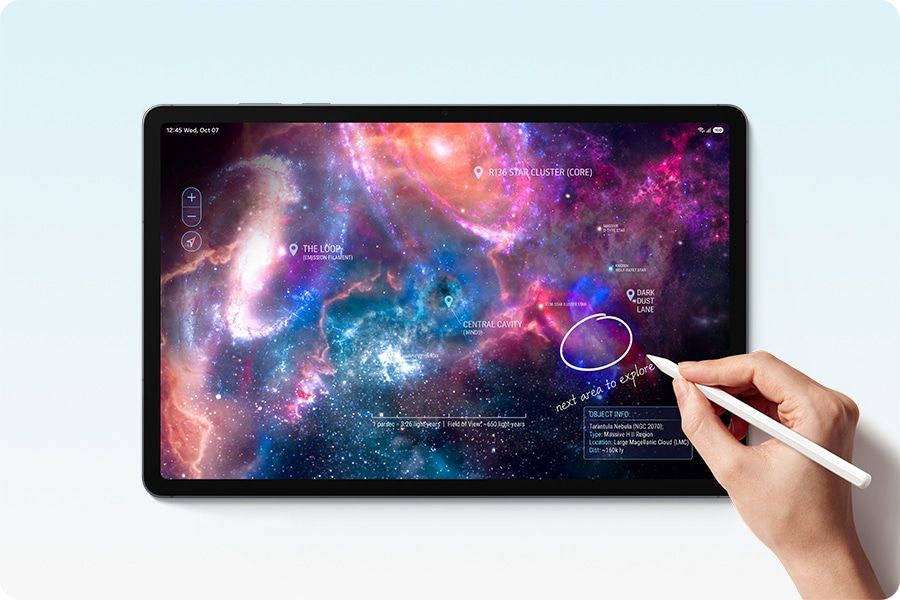
Let's start with the S12+'s biggest strengths. The 12.6-inch Dynamic AMOLED 2X display is excellent. It is bright, incredibly clear and delivers the kind of visual experience that makes everything from reading and writing to watching films and editing images a pleasure.
With a 2800 x 1752 resolution, a 120Hz refresh rate and peak brightness of up to 1600 nits, the display has all the right ingredients. Colours look vibrant, details are sharp and there is very little to complain about when it comes to everyday viewing. Samsung's Vision Booster technology also adjusts brightness and contrast according to the surrounding light, which makes the screen easier to use across different environments, even in strong sunlight.
I spent a fair amount of time switching between work-related applications, reading and watching content, and the display never felt like a compromise.
2. The Samsung Galaxy S12+ Is Super Easy To Carry Around
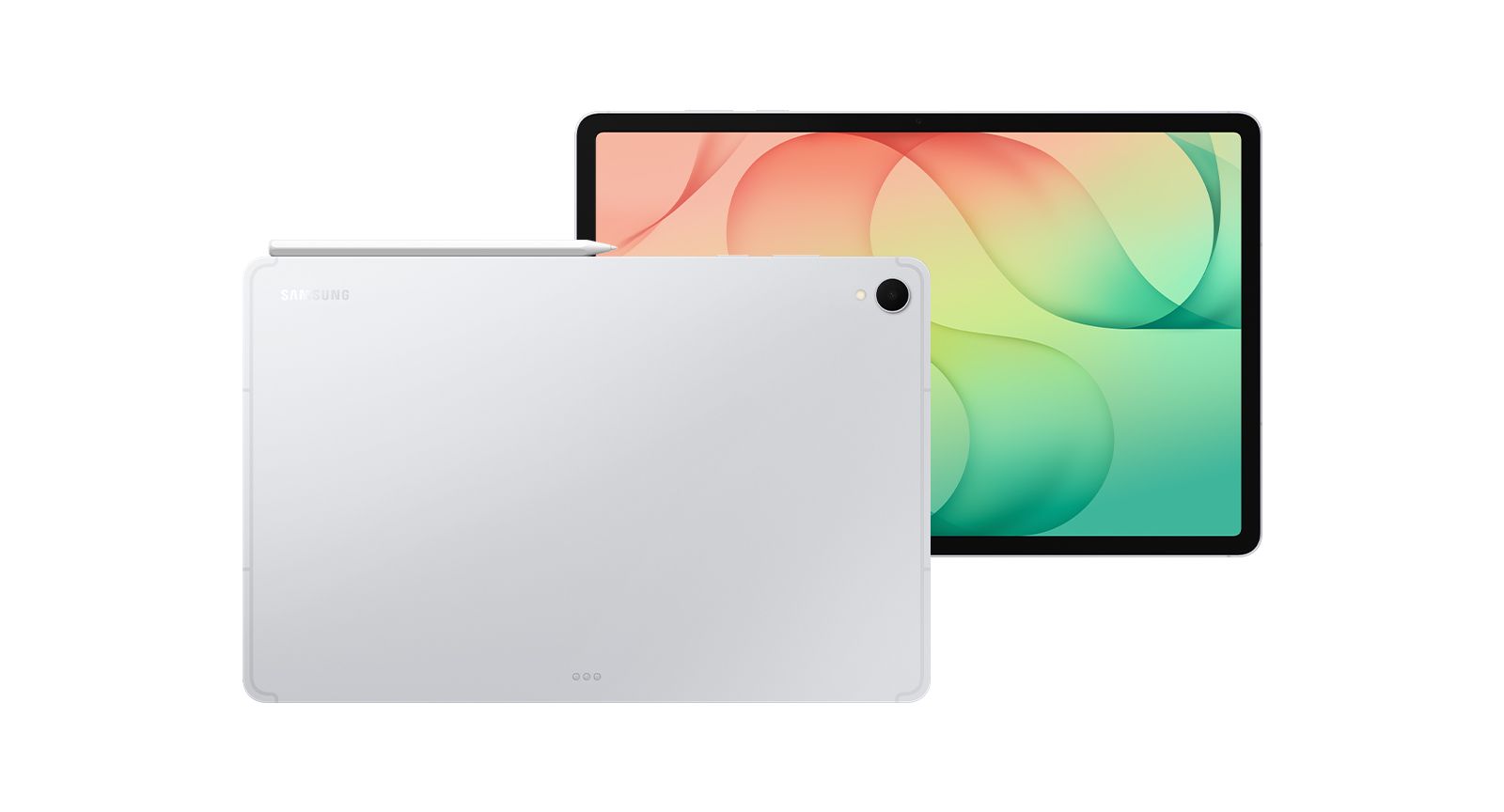
At just 5.3mm thick and weighing 553g for the Wi-Fi variant, the Galaxy Tab S12+ is remarkably slim and lightweight. Even when paired with the Pro Keyboard, it remains considerably easier to carry around than most traditional laptops.
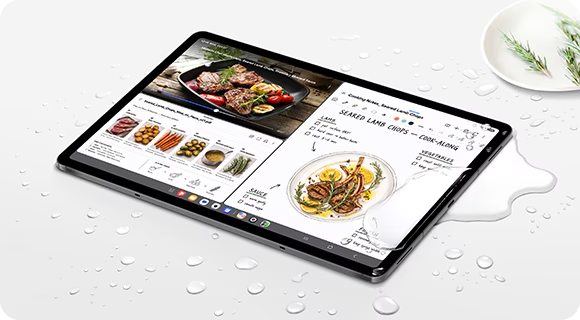
The tablet has a clean, understated design, with an aluminium construction that feels premium. The IP68 rating also ensures dust and water resistance, which adds some reassurance when carrying it around.
What I particularly appreciate is that the keyboard doesn't completely defeat the purpose of having a lightweight tablet. The combination is easy to slip into a bag, take to meetings or carry around while travelling. If portability is a priority, then this combo is a compelling alternative to lugging around a laptop with a heavy charger.
3. The Samsung Galaxy S12+ Is A Pro At Multitasking
Hardware aside, the biggest reason the Galaxy Tab S12+ works so well as a productivity device is its software. Running on Android 17 with Samsung's One UI 9, the tablet offers a fairly comprehensive set of tools that make working across multiple applications surprisingly intuitive. Under the hood, the Galaxy Tab S12+ is powered by the MediaTek Dimensity 9500 processor, supported by a newly designed 3D Vapor Chamber cooling system.
Essentially, the vapor chamber helps dissipate heat more efficiently when the tablet is handling demanding tasks, helping maintain consistent performance over longer periods. This is particularly useful when you're juggling multiple applications, editing content or working on more intensive creative projects. It's a thoughtful addition, especially in a device this slim, where managing heat without compromising portability is important.
Multi-Window is one of my favourite features. Being able to work with multiple applications on the same screen makes a noticeable difference to how much you can get done. I could have my notes open alongside a browser, refer to an email and move between tasks without constantly switching windows.
Samsung DeX takes productivity a step further by allowing you to turn the tablet into a desktop-style workstation. You can activate it directly on the tablet or connect it to an external monitor or TV, either wirelessly or using a USB-C to HDMI adapter. The interface then resembles a traditional computer desktop. It is a particularly useful feature if you want to use the Galaxy Tab S12+ as a laptop alternative, while having the convenience of a portable tablet when you're on the move. It makes the tablet feel less like an oversized smartphone and more like a proper workstation.
The wider Android ecosystem also helps–from Microsoft or Google suite, to Adobe’s creative tools and the inbuilt Agentic AI helping with everything from transcription to managing your calendar.
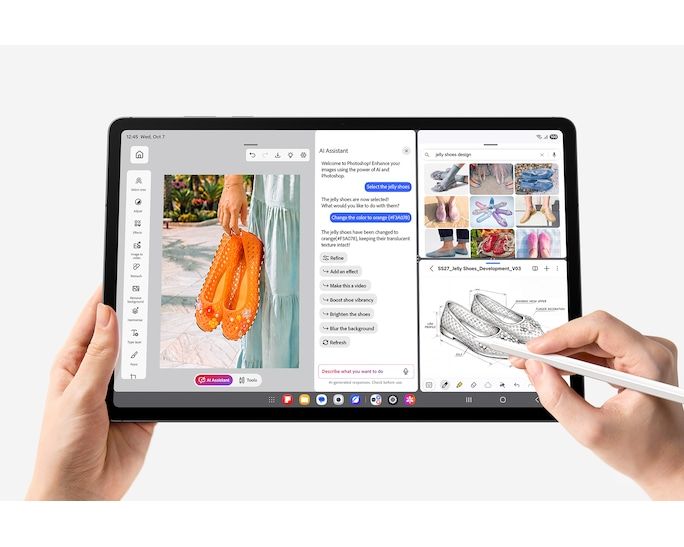
4. The keyboard makes all the difference
The Pro Keyboard is arguably the most important accessory if you intend to use the Galaxy Tab S12+ as a laptop replacement. It comes with a built-in trackpad, making navigation considerably easier, particularly when working across multiple applications.
The typing experience is comfortable, and having a trackpad means you aren't constantly reaching for the screen. I also appreciate that neither the keyboard nor the S Pen requires separate charging. It is one less thing to worry about, leaving the tablet itself as the only device that needs to be charged.
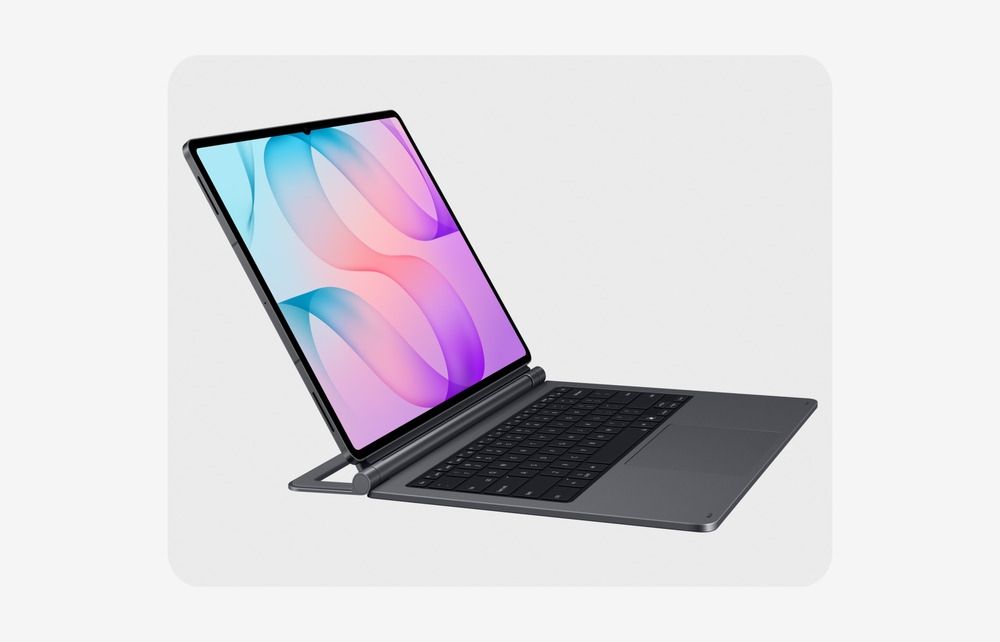
5. The S Pen is a welcome addition
One thing Samsung gets right is including the S Pen in the box. In a market where premium tablet brands often charge extra for their styluses, this is a welcome inclusion. The S Pen is intuitive, responsive and particularly useful for taking notes, annotating documents or sketching on the go. It feels natural to use, and I found myself reaching for it more often than I initially anticipated. My only complaint is the magnetic attachment, which I didn’t find reassuring when carrying the device around. I would rather store it separately than risk losing it while moving between places.
6. It’s Loud Enough
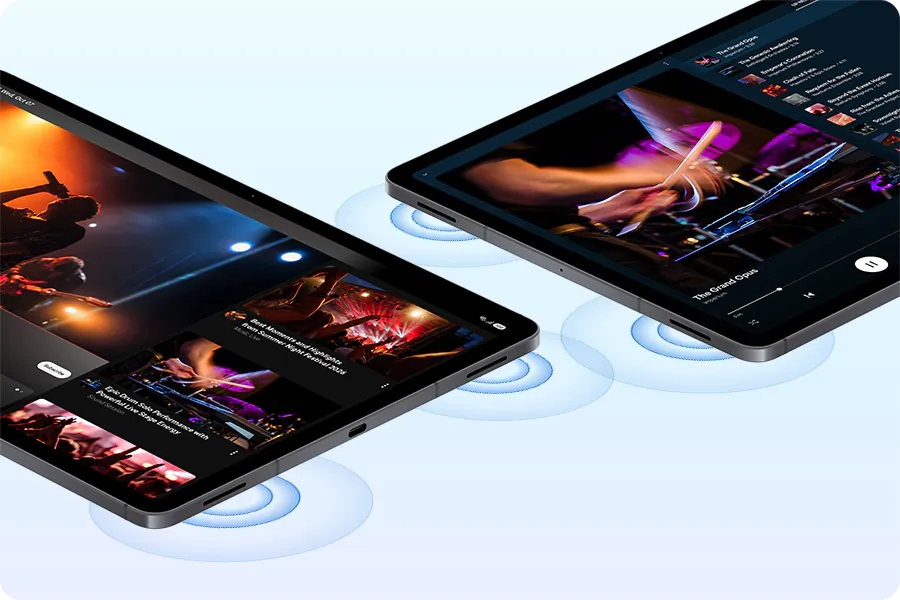
The Galaxy Tab S12+ features a four-speaker system with four-channel spatial audio, and the sound quality is genuinely impressive. It gets loud enough for watching films, streaming videos or listening to music without needing to connect an external speaker. Clarity is equally good, and the audio feels sufficiently full for a device this slim. It is one of those features you don't necessarily think about when buying a tablet, but it makes a difference when you're using it for to watch content or during zoom calls.
7. The Samsung ecosystem is a big advantage
If you already own a Samsung smartphone, the Galaxy Tab S12+ becomes an even more compelling purchase. The ability to move between devices, copy and paste content across them and pick up where you left off in supported applications makes the experience feel considerably more connected.
Even if you don't own a Samsung phone, Quick Share is a useful feature. It makes transferring files wirelessly to and from iOS or Android devices straightforward, without having to rely on cables or third-party file-sharing applications.
The tablet also comes with generous storage options, starting at 256GB and going up to 512GB, with support for microSD expansion of up to 2TB. Both variants come with 12GB of RAM.
Fast charging is another practical addition, particularly when you are using the tablet throughout the day. The 10,600 mAh battery is enough to get you through the day easily, but if you run out of juice, it takes only 90-95 mins to be fully charged. Samsung also promises up to seven generations of OS upgrades and security updates, which makes the long-term ownership proposition more reassuring.
8. Galaxy AI Makes the Samsung Tab S12+ a Smarter Productivity Companion
One of the more useful additions to the Galaxy Tab S12+ is its suite of Galaxy AI features. Rather than being limited to novelty tools, several of these are designed to make everyday tasks easier. Note Assist, for instance, can summarise lengthy notes into shorter, more manageable overviews, while AI-powered assistance can help with writing, research and organising information. I also like the flexibility of having access to AI assistants such as Gemini, Bixby and Perplexity, which can be launched using the dedicated Galaxy AI Key on the Pro Keyboard. Creative Studio is another interesting addition, allowing you to turn rough S Pen sketches into more polished visuals. It is this integration of AI into the tablet's everyday productivity and creative features that makes it feel like a genuinely useful addition rather than just another feature to tick off on a specification sheet.
What I don't like:
The Galaxy Tab S12+ gets a lot right, but the Pro Keyboard is where I find myself wishing for more. For something that is meant to turn the tablet into a workstation, I would have liked to see a few additional ports for connecting external devices.
More importantly, its design could have been considerably more practical. Unlike some detachable keyboard accessories that double up as protective covers, this one doesn't protect the back of the tablet. Although Samsung does offer the Book Cover Keyboard Slim that does double as a cover and a keyboard but it doesn't come with a trackpad.
The Pro Keyboard itself has an aluminium body, which looks and feels premium, but it also means I’d be inclined to invest in separate protection for both the tablet and keyboard. The hinge is another area that needs attention. Its limited flexibility makes it difficult to adjust the viewing angle as freely as I would like. These aren't deal-breakers, but they do take away from what could otherwise be a much more seamless experience.
Prices and Final Verdict:
The 256GB Wi-Fi variant is priced at ₹1,29,999 while the 512GB Wi-Fi model costs ₹1,49,999. The 5G variants start at ₹1,44,999 and go up to ₹1,64,999. That puts it firmly in premium laptop territory.
The Pro Keyboard costs ₹26,499, taking the starting price of the tablet and keyboard combination to ₹1,56,498. Samsung is clearly positioning this as more than a tablet, and the productivity features do help justify that ambition.
It isn't trying to compete with entry-level tablets; it is making a case for being a versatile productivity device that can double up as your entertainment screen, creative workspace and, for many everyday tasks, your laptop.
What makes it particularly appealing is how much Samsung manages to pack into such a slim and portable device. The gorgeous AMOLED display, excellent multitasking capabilities, included S Pen, impressive audio and seamless integration with the Samsung ecosystem make it a genuinely enjoyable device to use. Android 17 and Samsung's One UI 9 also give it the flexibility to handle a wide range of everyday tasks and multitasking.
I do wish Samsung had put more thought into the Pro Keyboard. Its limited hinge flexibility, lack of additional ports and the need for investing in a cover separately make it feel like an accessory that hasn't quite caught up with the tablet's ambitions.
That said, I came away genuinely impressed by the Galaxy Tab S12+. If portability, a brilliant display and the ability to work across multiple applications matter to you, it makes a compelling case for itself. It is a heavy investment, but it is also one of those devices that makes you question whether you really need to carry a laptop everywhere. And that's perhaps its biggest achievement.


