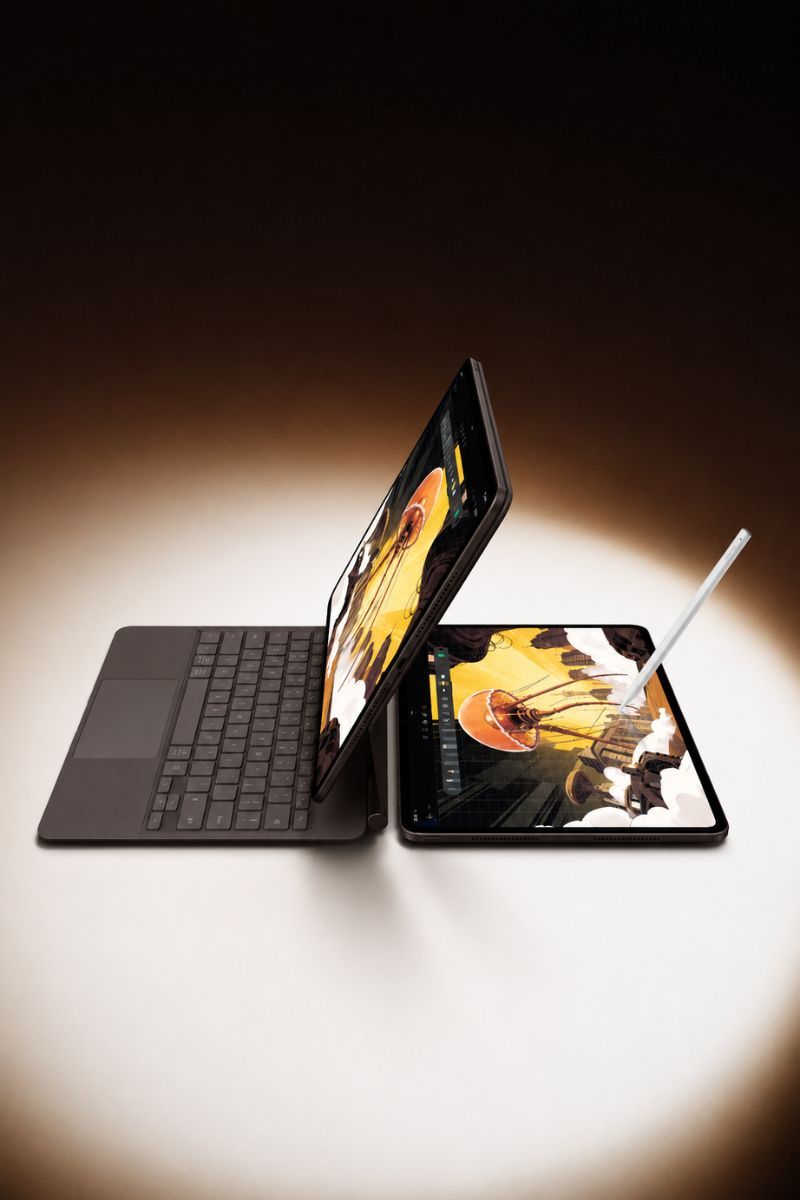
For the longest time, the tablet market has essentially given you two choices: an iPad, or not an iPad. Sure, Windows and Android tablets have tried to make things interesting, but rarely have they produced something genuinely memorable, let alone remarkable enough to make Apple nervous.
It’s a bit like the tortoise and the hare, except the hare has already won, collected the medal, gone home, and is now somehow lapping the tortoise.
The OnePlus Pad 4, though, has covered a surprising amount of ground. After spending time with it, I’ve found myself wondering something I didn’t expect to: could this actually be better than the iPad Pro I already own? In a few ways, I think it might be.
The display is gorgeous
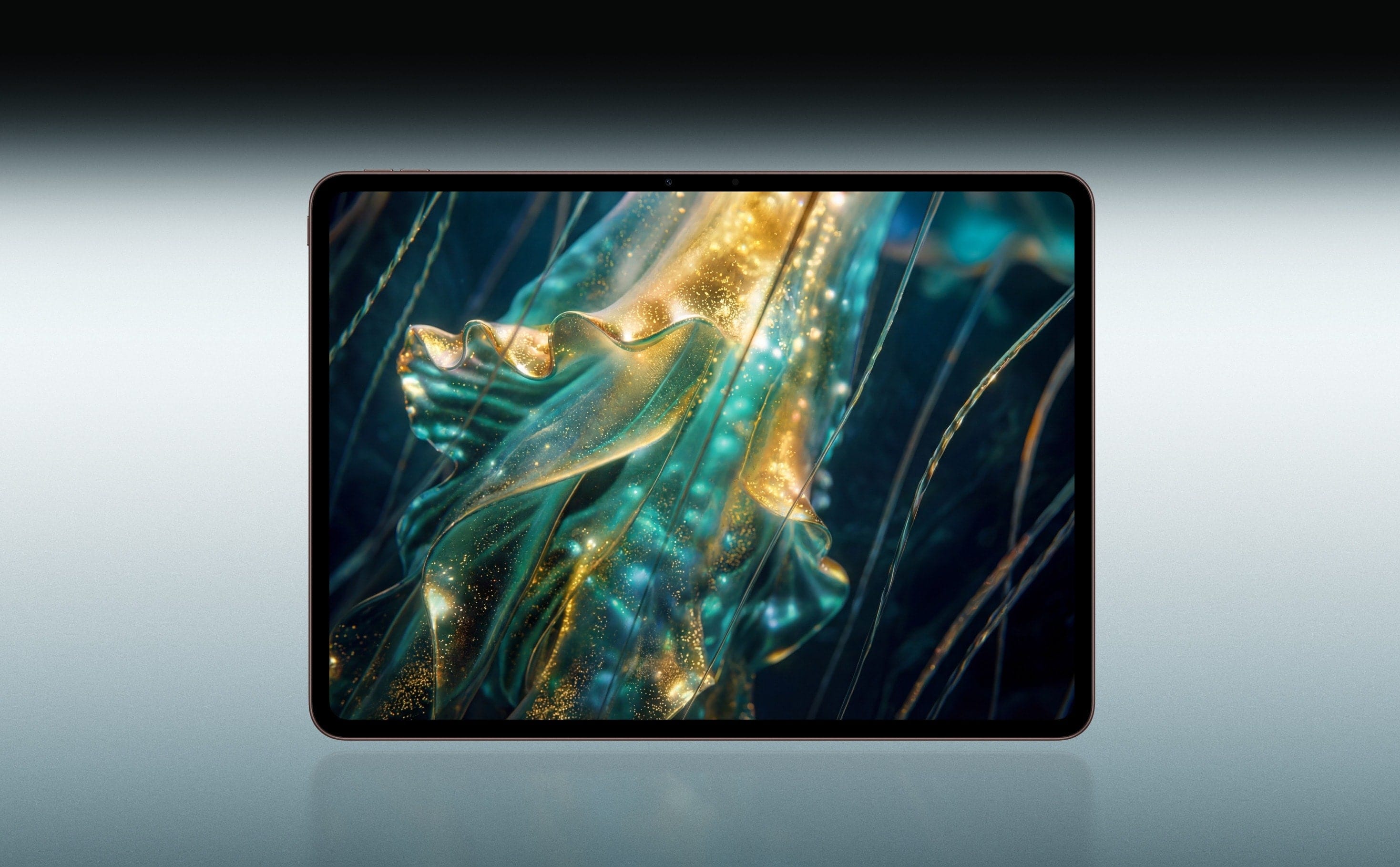
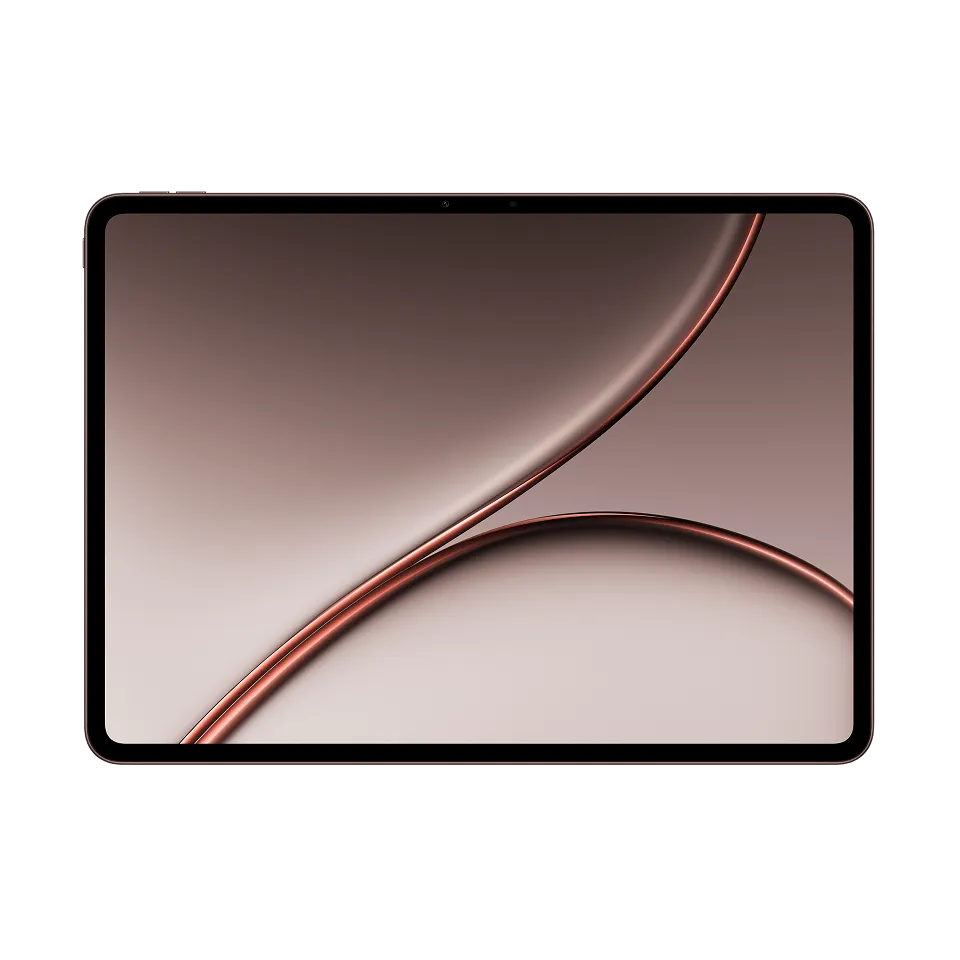
Let’s get the most obvious thing out of the way. This is a gorgeous display. Not good for an Android tablet. Just good. The OnePlus Pad 4 gets a massive 13.2-inch 3.4K screen with a 144Hz refresh rate and a 7:5 aspect ratio. That is a lot of numbers, but the important bit is that everything looks excellent on it. Text is crisp at roughly 315 PPI, colours look rich without tipping into cartoonish, and the symmetrical bezels give it a considered, balanced look rather than the lopsided feel cheaper tablets tend to have.
It also carries TÜV Rheinland Eye Care 4.0 certification, and in my experience, it shows. Long reading and writing sessions don’t leave my eyes feeling wrecked the way they do with some displays.
Of course, it is still an LCD panel. The OLED display on the iPad Pro produces deeper blacks and stronger contrast, but it also costs almost twice as much. In regular use, I never felt as though the OnePlus display was lacking. It is bright, crisp and large enough to make almost everything feel more immersive.
The design
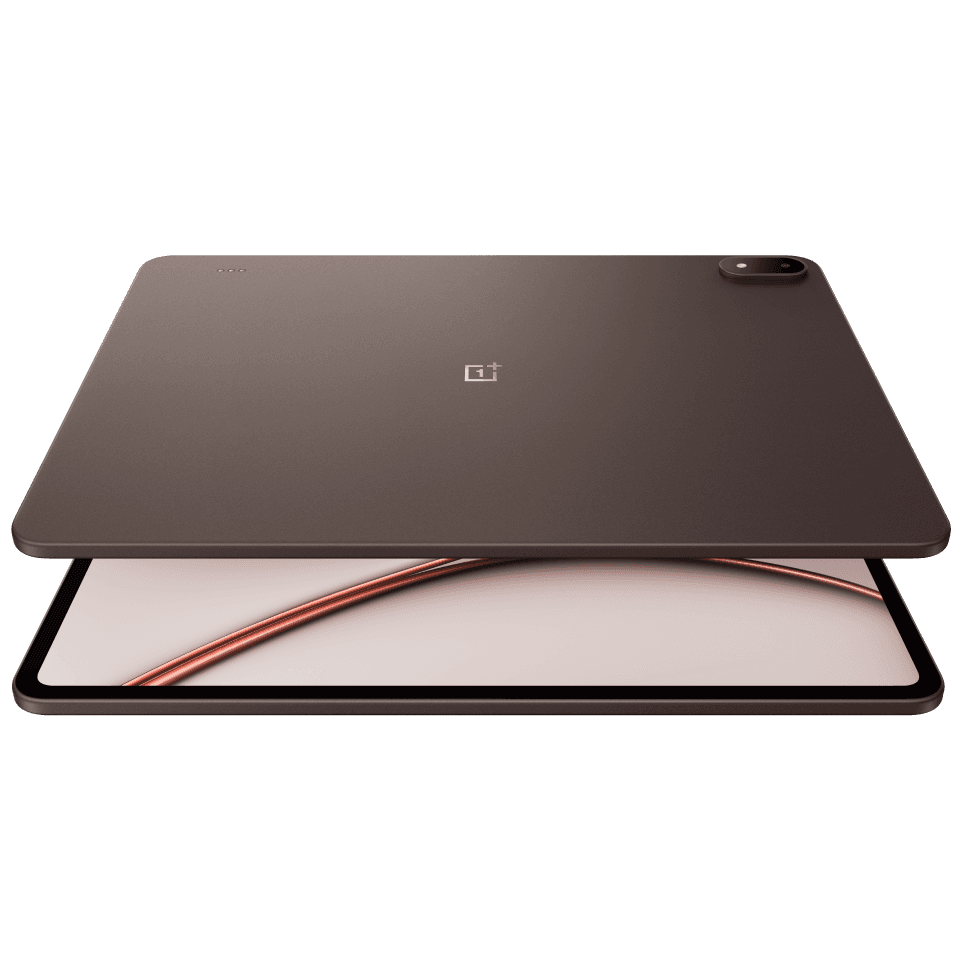
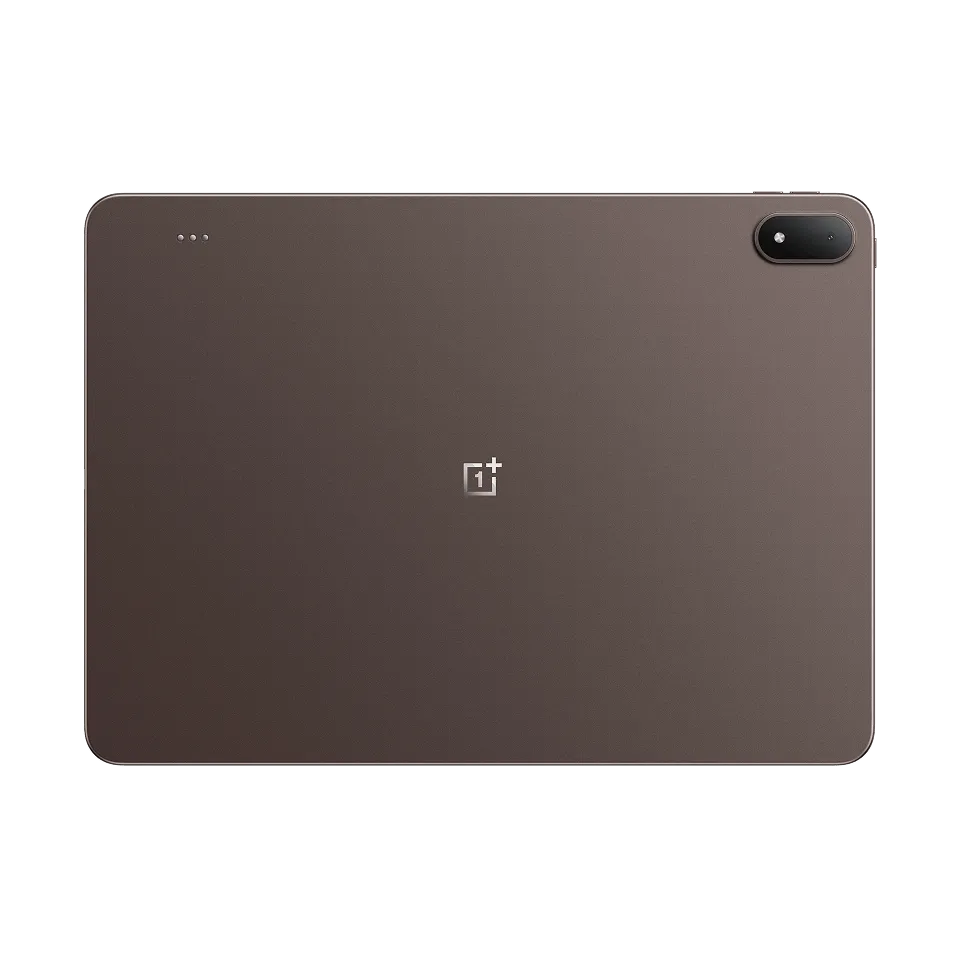
The OnePlus Pad 4 is extremely thin, especially when you consider how much hardware OnePlus has managed to fit inside it. The full-metal body feels solid, the finish looks clean, and there are no unnecessary design flourishes trying to convince you that this is a futuristic productivity machine. It is simply a very well-made tablet.
It is also remarkably slim at just under 6mm. That makes it easy to carry around in a bag, although its 13.2-inch screen and 672g weight mean you’ll probably want to use it with both hands. Thankfully, the weight is distributed well, so it never feels awkward or top-heavy.
The UI
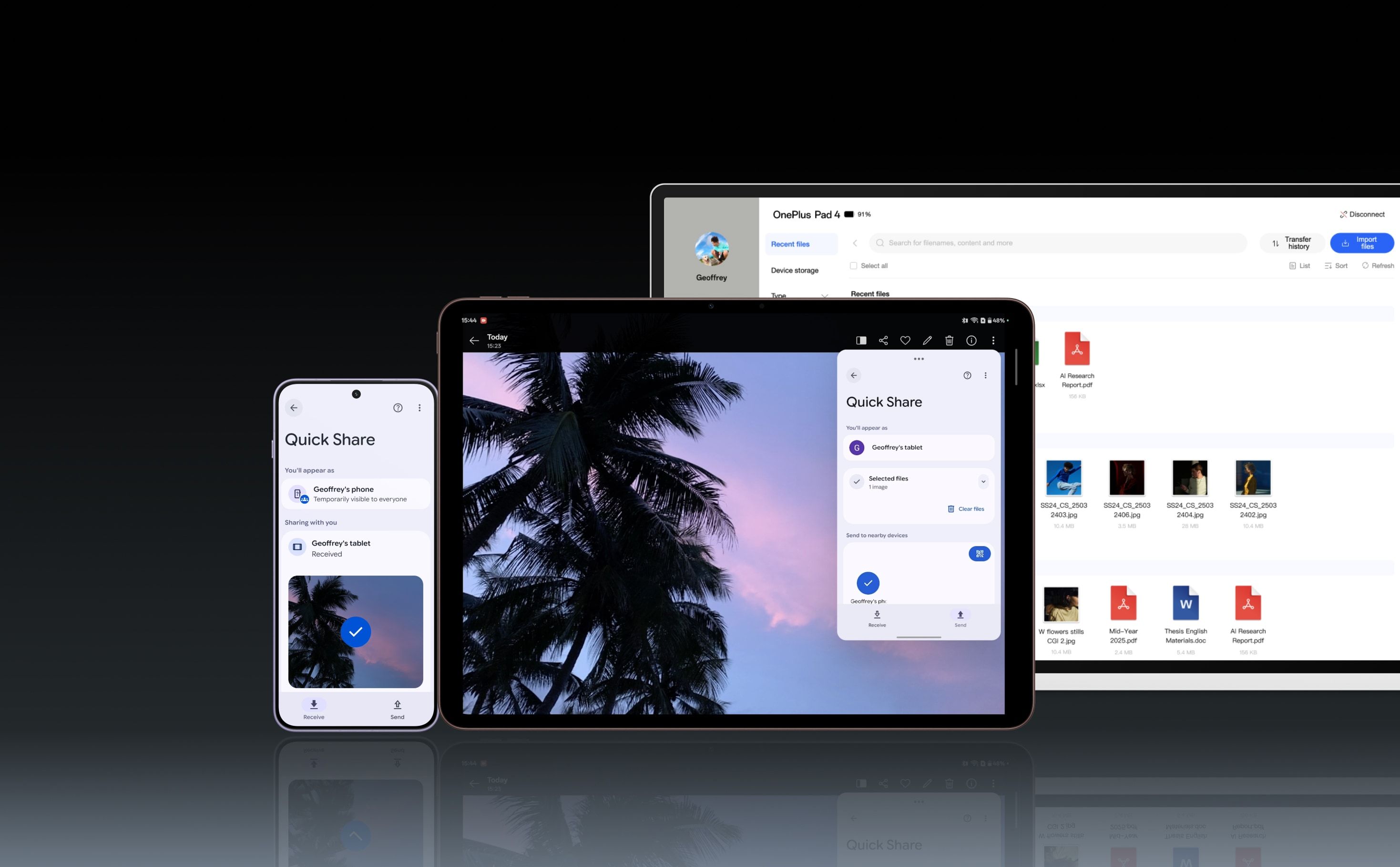
For years, the biggest problem with Android tablets was not the hardware. It was the software. You would get a large, powerful tablet and then open an app that looked like someone had taken its phone version and stretched it across the screen. This one feels different.
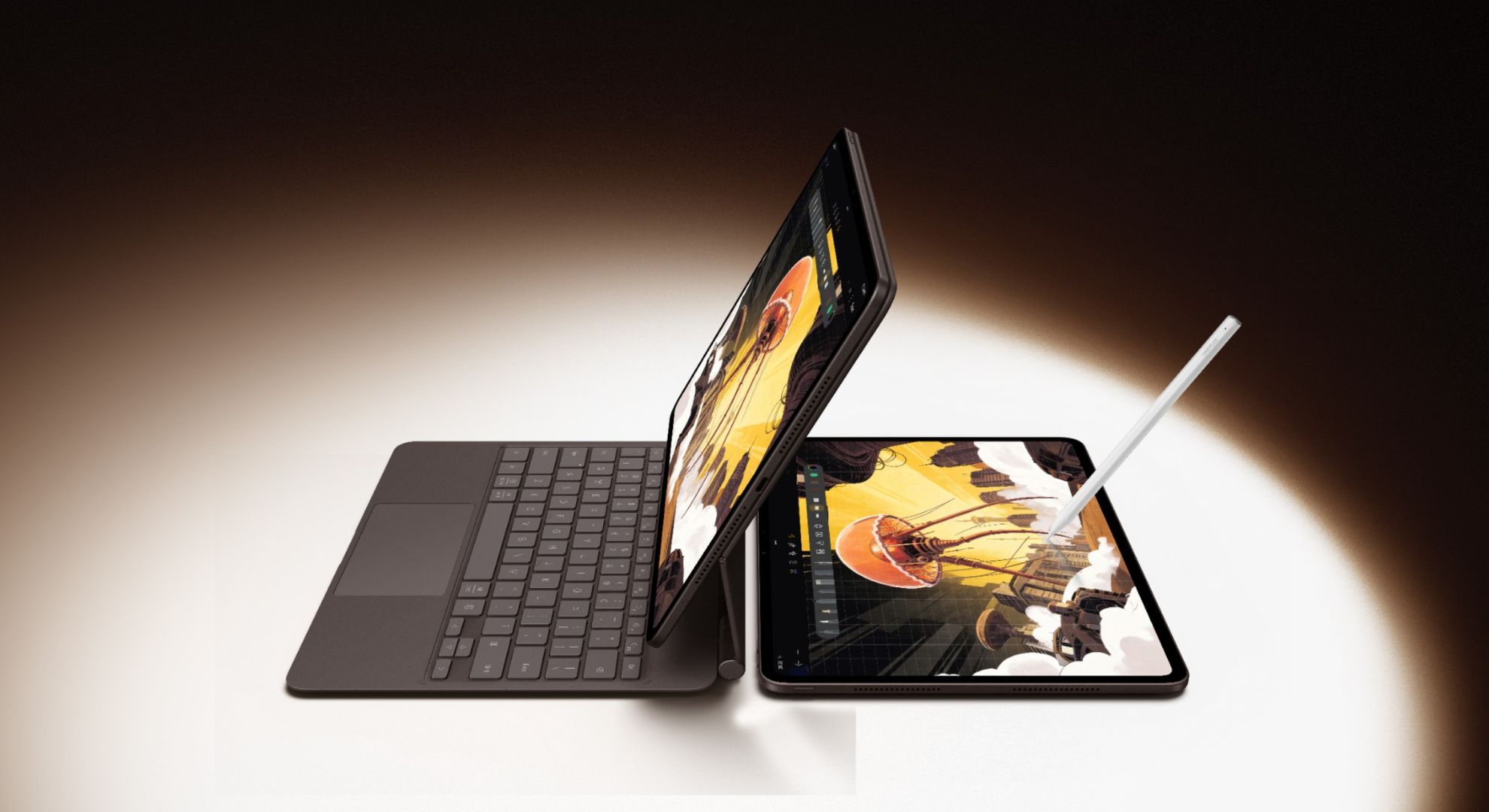
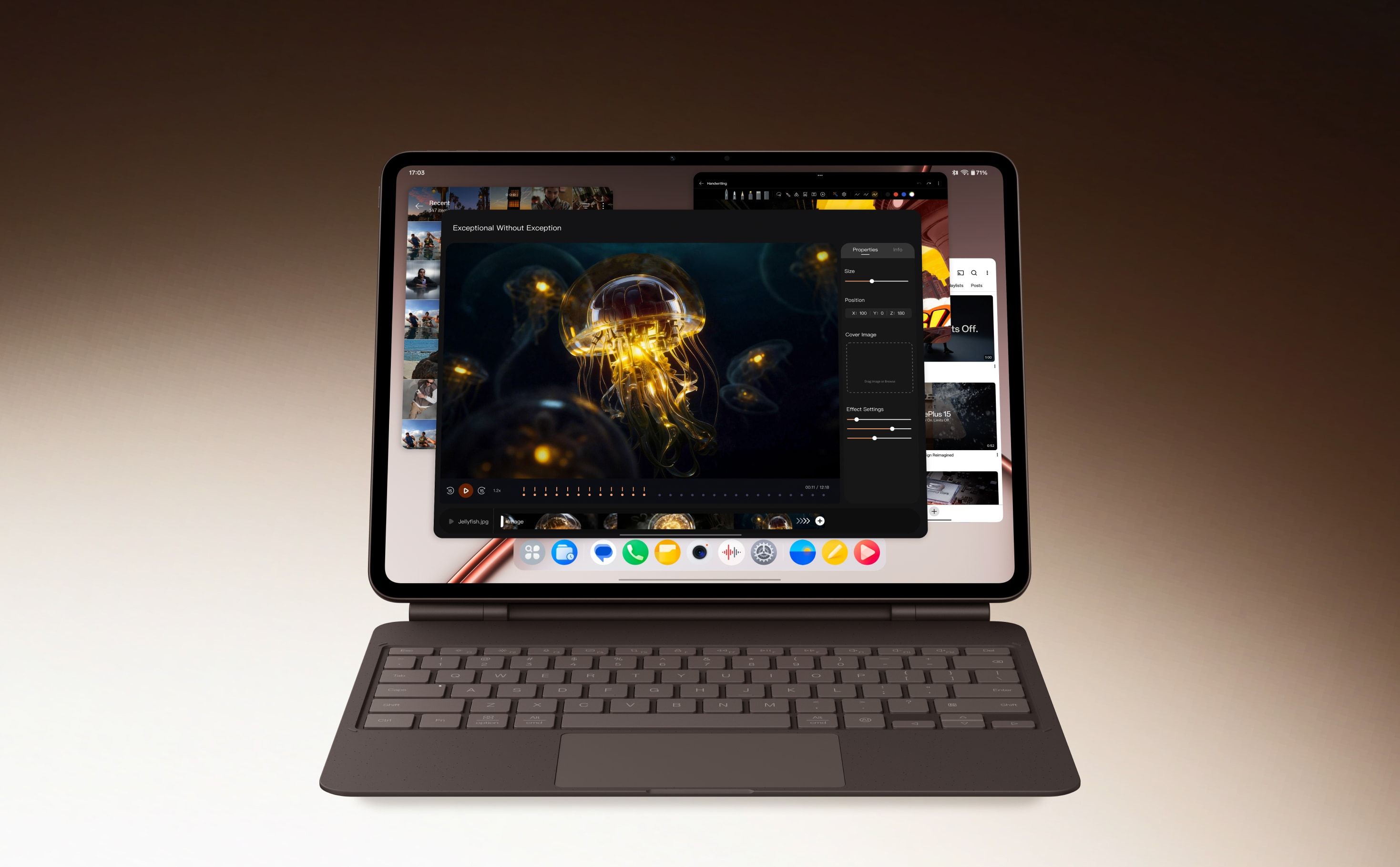
OxygenOS is clean, smooth and surprisingly well adapted to the larger display. Menus are easy to navigate, animations are fluid, and the interface never feels cluttered despite all the extra multitasking options. Open Canvas is the feature that makes the biggest difference. It lets you keep multiple apps open, resize them, move them around and switch between different layouts without making the process feel like administrative work.
I can have a document open on one side, research on the other, and another app floating above both. It is particularly useful for writing, where half the job involves staring at one tab while keeping another 27 open for quick references.
More importantly, the Pad 4 does not constantly remind me that I am using Android on a tablet. The software feels like it belongs on this screen. Drag and drop works system-wide, the AI tools, including Writer, Summarise and Gemini, are genuinely useful rather than features bolted on for a keynote slide, and there is barely any bloatware to clear out on day one. That should be the bare minimum. Historically, it has not been.
It is properly fast
The Pad 4 is powered by Qualcomm’s Snapdragon 8 Elite Gen 5 processor, along with plenty of fast memory and storage. You can spend a long time looking at benchmark scores and comparing graphs, but the more useful observation is much simpler: it is fast.
Apps open instantly. Multitasking feels effortless. Games run smoothly. Moving between several windows doesn’t slow it down. In daily use, I rarely found myself waiting for it to do anything. That matters more than a benchmark score.
The pencil

Even the pencil holds its own, which honestly surprised me the most. The Stylo Pro packs 16,000 levels of pressure sensitivity, tilt support and a 240Hz sampling rate that keeps latency close to zero. In my experience, it matches the Apple Pencil Pro stroke for stroke.
There is almost no noticeable delay when writing, pressure changes register naturally, and the stylus itself feels comfortable in the hand. Notes appear exactly where I expect them to, and handwriting never feels as though it is chasing the tip across the screen.
It also does one thing better than Apple. The Stylo Pro provides haptic feedback through the tip, changing the sensation depending on the tool you are using. Select a pencil, and the tip feels slightly rougher, almost as though it is moving across paper. Switch to a pen and the sensation becomes cleaner. Use a highlighter, and it feels different again. Obviously, the glass is not actually changing beneath the stylus. Tiny vibrations are simply convincing your fingers that it is.
The battery refuses to die
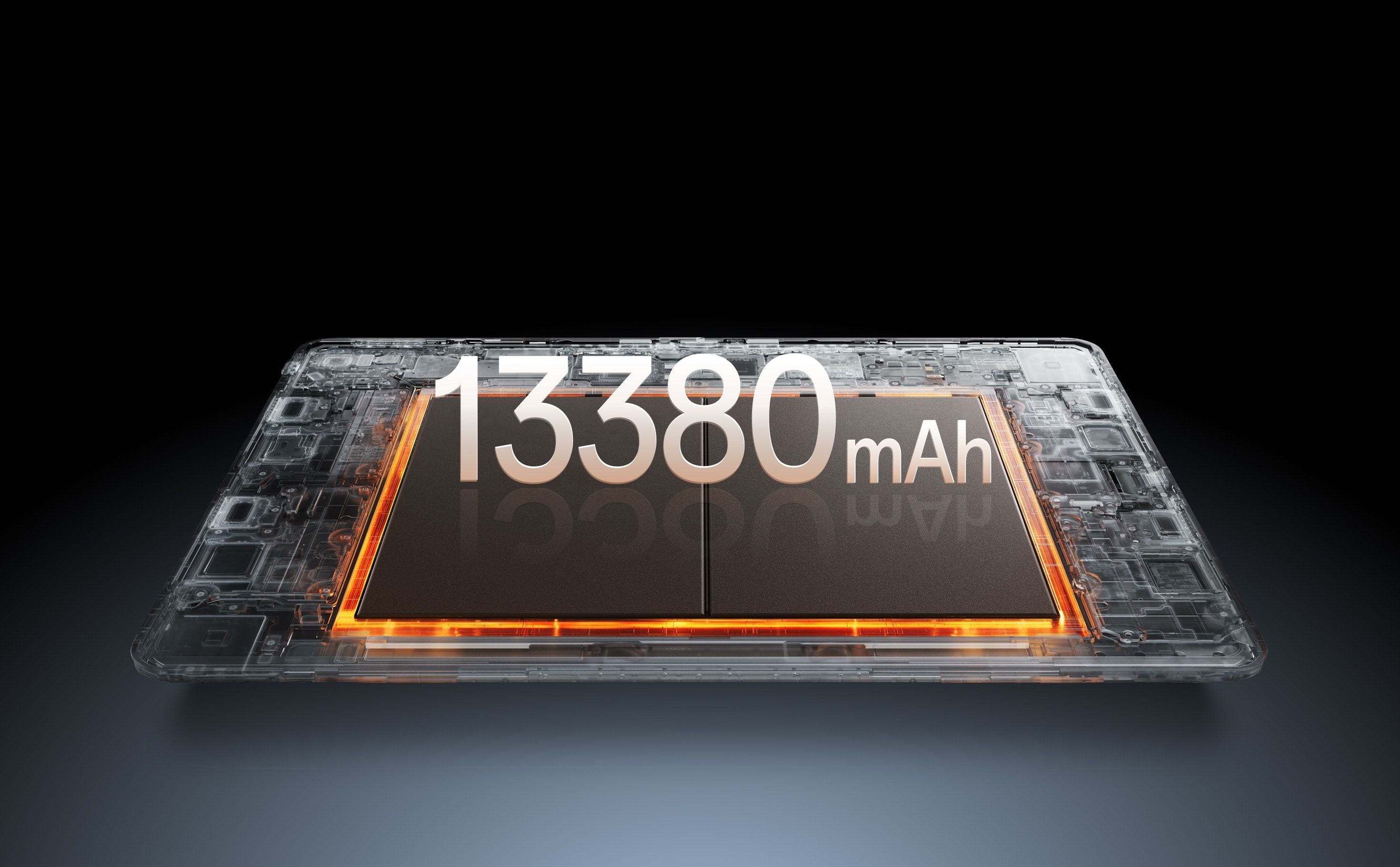
OnePlus has fitted the Pad 4 with an enormous 13,380mAh battery. That sounds excessive until you remember that it is powering a 13.2-inch display at up to 144Hz. Fortunately, the large battery is not simply there to compensate for the large screen. It genuinely lasts.
It is the type of device you can use through a workday, leave on your desk overnight, and return to the next morning without discovering that it has somehow lost half its battery while doing absolutely nothing. The 80W charging also helps. Although maybe a 120W charger would’ve been better
What I don't like
There really is not much I dislike about the OnePlus Pad 4. I could complain about the cameras, but anyone seriously using a 13.2-inch tablet as their primary camera has already made a series of decisions that I am not qualified to fix.
The one omission that genuinely bothers me is cellular connectivity. The Pad 4 is available as a Wi-Fi-only tablet, with no LTE, 5G or eSIM option. You can connect it to your phone’s hotspot, of course, and OnePlus has features that make sharing a connection between compatible devices easier. But those are workarounds
A tablet this capable should be able to function independently. It is built for writing, working, reading and travelling, yet the moment you leave Wi-Fi behind, it becomes dependent on your phone. That feels unnecessarily limiting. That single gap aside, this is easily the most complete Android tablet I’ve used, and it’s not particularly close.
Prices
8GB RAM + 256GB storage: ₹59,999
12GB RAM + 512GB storage: ₹64,999


