
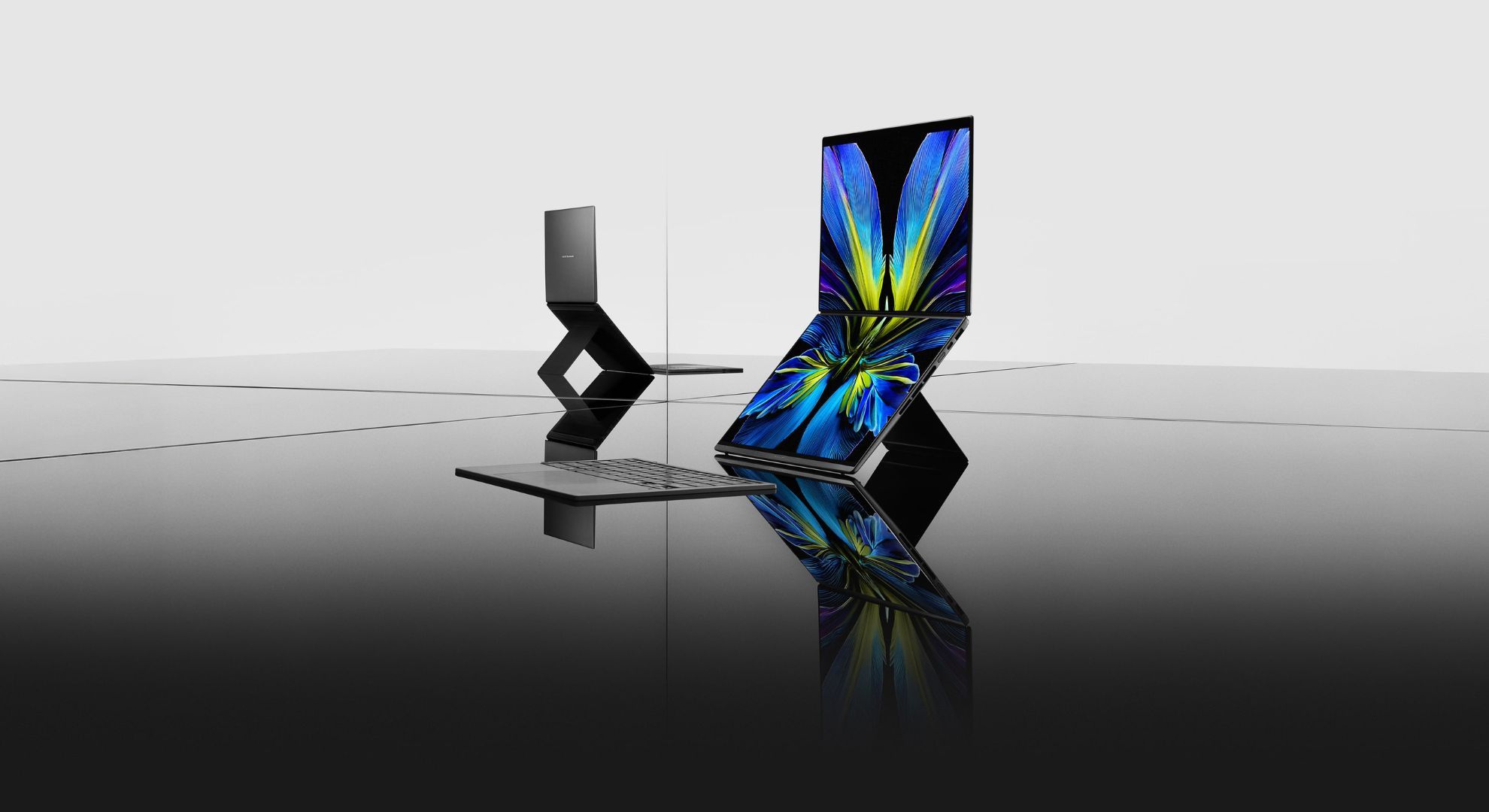
I've had a soft spot for dual-monitor setups for as long as I can remember. My first job at a call centre involved constantly switching between two screens, and I suspect it permanently ruined me for working on cramped laptop displays. Since then, the idea of having more digital real estate has always felt oddly aspirational. There's something about spreading your work across two screens that makes you feel more organised, more in control and, by extension, more productive.
Interestingly, Asus India recently introduced the next generation of its Zenbook Duo, complete with slimmer bezels, improved displays and plenty of promises about taking multitasking up a notch. I spent two weeks with it to find out whether it's the real deal or simply a gimmick.
The Touch, The Feel
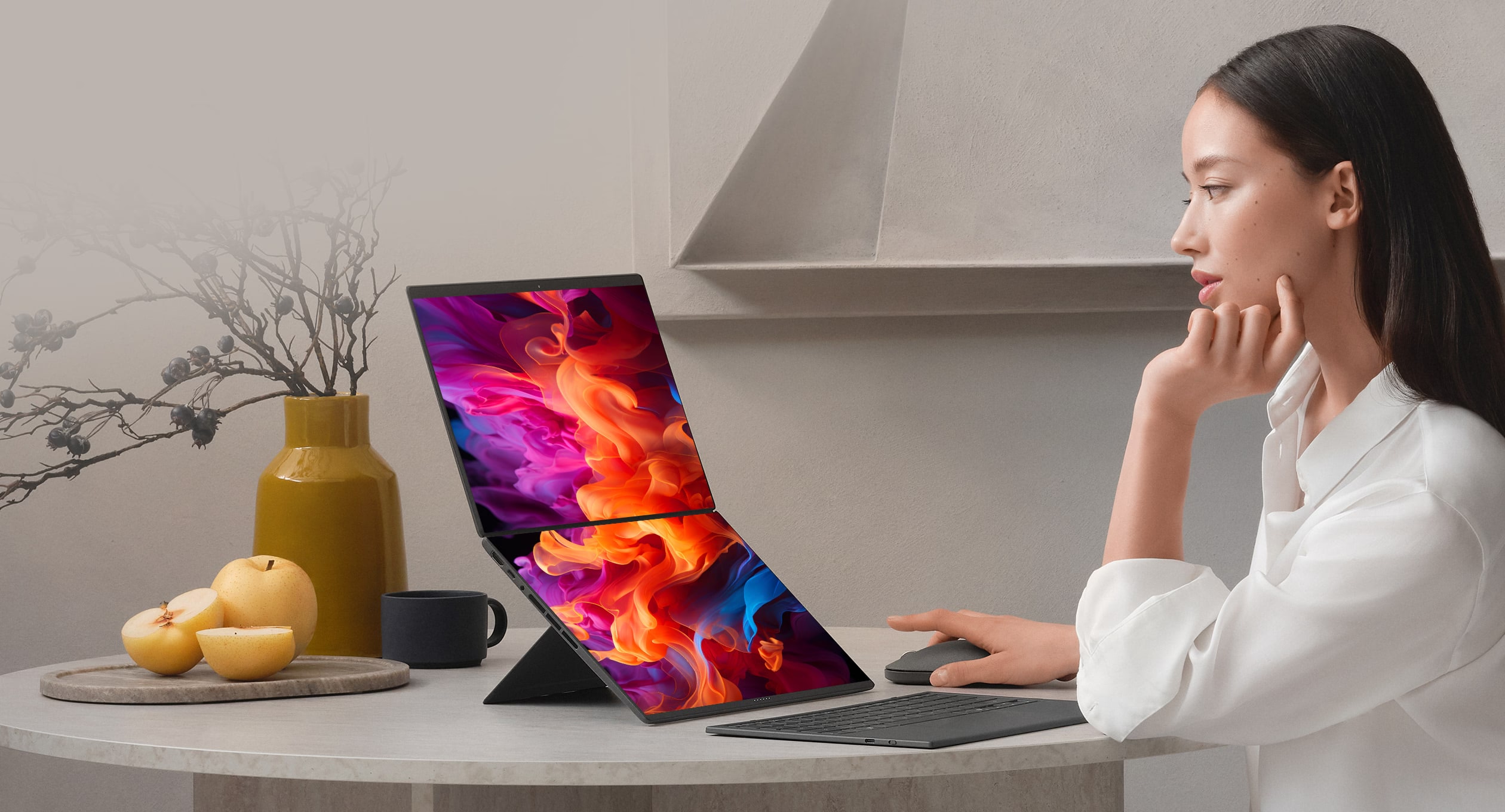
Despite packing two displays, the Zenbook Duo occupies roughly the same footprint as a conventional Asus laptop. In fact, when you first unbox it, you might think you've been sent the single-screen version by mistake. It's only when you notice the extra thickness and the more substantial hinge that its dual-screen nature begins to reveal itself.
The design itself feels quintessentially Asus premium. There are no unnecessary flourishes or attention-grabbing gimmicks here. To the touch, the Zenbook Duo feels reassuringly premium, thanks to its soft-touch finish that almost feels velvety. Over my two weeks of use, I was also pleasantly surprised by how resistant it was to smudges and fingerprints. Unlike many dark-coloured laptops, it rarely looked grubby, even after long workdays.
Once you lift the lid, you'll notice a rather thick keyboard and, hidden beneath it, the second display. Peeling the keyboard away, propping up the rear stand and setting the laptop up in landscape mode while holding the detachable keyboard is a genuinely novel experience. The keyboard, by the way, has its own battery and can be charged independently.
That said, the keyboard itself feels a little thin. I understand that this is likely a compromise to keep the overall thickness of the laptop in check, but the trade-off is most evident in the trackpad. It feels smaller and less substantial than what you'd expect from a premium laptop in this price bracket, and a larger, more generous trackpad would have added a welcome touch of luxury to the experience.
The Dual-Screen Experience
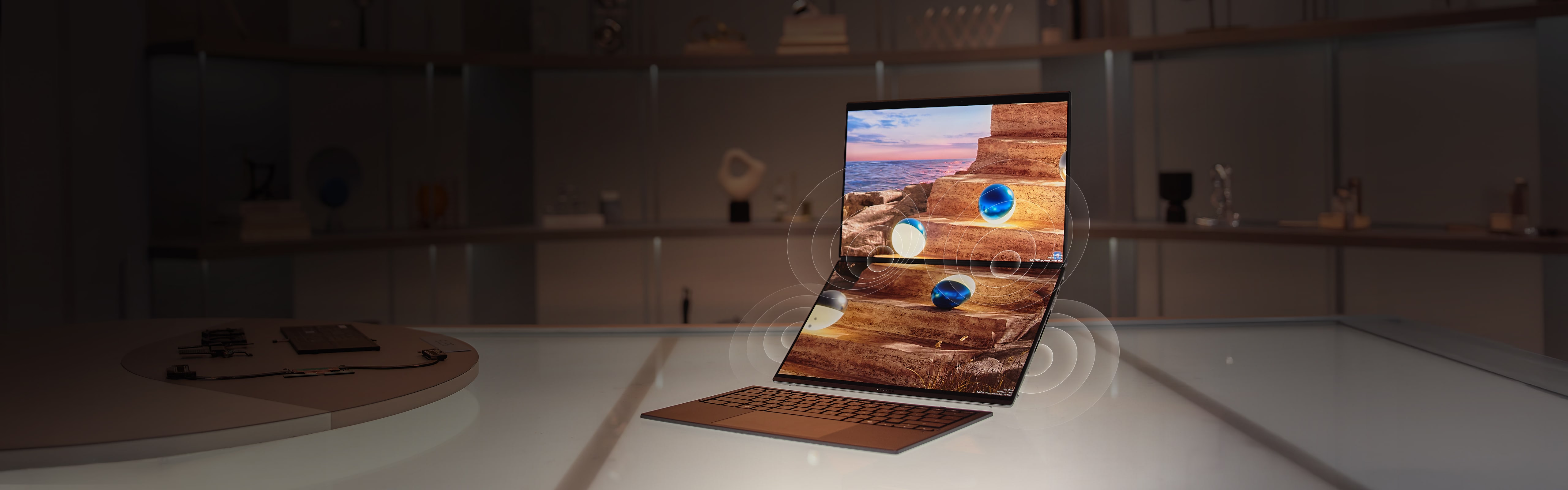
First things first, there are two ways to use the Zenbook Duo's dual displays. The second screen is supported by a built-in kickstand that, despite not offering a great deal of travel, feels sturdy in its default landscape orientation. This places the two displays one above the other and, for me, remains the most natural way to use the laptop.
You can also switch to portrait mode, where the screens sit side by side. While this setup works well on a desk, I found the kickstand lacked enough grip when the laptop wasn't placed on a perfectly flat surface. Working from a sofa or bed, for instance, made the setup feel noticeably less secure.
Credit where credit is due, though. There is barely any gap between the two beautifully lit 14-inch OLED panels, which makes the entire setup feel surprisingly seamless. Asus also claims that the top panel can withstand up to 5kg of direct force, which should be enough to survive the occasional soft tumble.
Speaking of hardware, there is a surprisingly generous selection of ports on offer. You get two Thunderbolt 4 (USB-C) ports with DisplayPort and Power Delivery support, one USB 3.2 Gen 2 Type-A port, an HDMI 2.1 port and a 3.5mm audio jack. The only omission is an SD card slot, which feels like a missed opportunity given how compelling this laptop could be for creators.
The Good

Laptop displays have been steadily improving over the past few years, and the Zenbook Duo is no exception. What you get here are two 14-inch OLED touchscreens with a 144Hz refresh rate. These may not be tandem OLED panels, but Asus' Lumina OLED displays are impressive in their own right. You get 100 per cent DCI-P3 colour coverage, Pantone-validated colours, TÜV Rheinland certification and SGS Eye Care certification, along with all the bells and whistles you'd expect from a flagship laptop. The point is, nothing here feels compromised or gimmicky, which is an easy assumption to make given the unconventional nature of this machine.
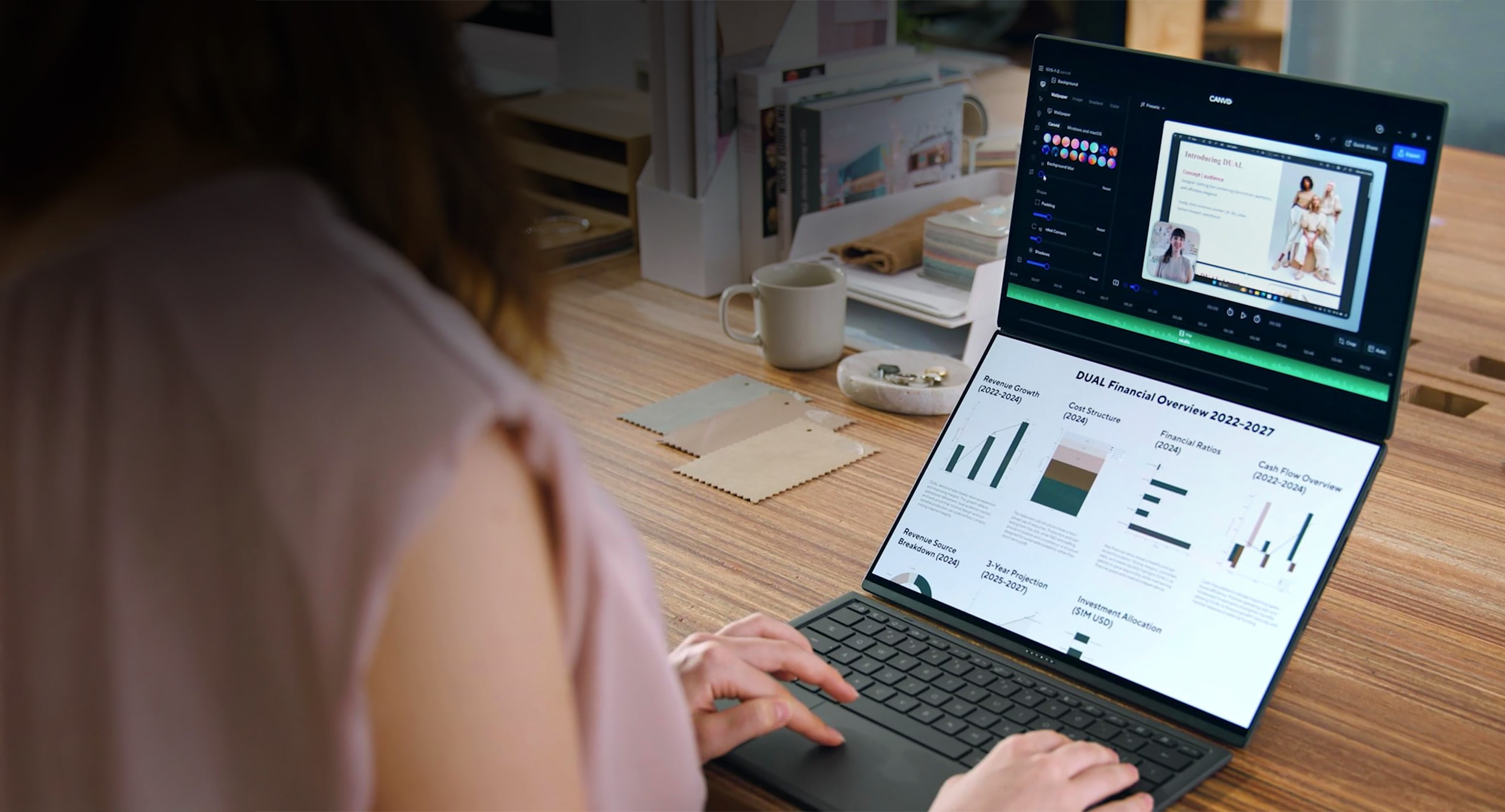
The displays also happen to be the laptop's biggest party trick. Once you settle into the stacked, top-and-bottom layout, navigating between the two screens feels surprisingly natural. During my time with the Zenbook Duo, I'd often have a Google Doc open on the bottom display while the top screen was dedicated to research, reference material and a sea of browser tabs. It meant I was spending less time minimising windows and more time actually writing.
The same applied to visual tasks. I'd keep Canva open on the lower display while browsing for pictures on the upper one, simply dragging images down into my layout as I found them. After a while, going back to a conventional laptop starts feeling oddly restrictive.
As mentioned earlier, the Duo ships with a detachable Bluetooth keyboard that connects via pogo pins when docked. In terms of responsiveness and latency, it's remarkably good and never once felt like an afterthought. The magnetic connection is reassuringly firm, allowing you to use it like a conventional laptop keyboard without worrying about it shifting around.
That said, the keyboard comes with a few compromises. I wish the keys had a touch more travel and the trackpad offered a little more real estate. Those are concessions that become apparent during longer writing sessions. On the flip side, the keyboard is impressively thin, fully backlit and manages to deliver a surprisingly comfortable typing experience despite its slim profile. If you prefer using the keyboard detached from the laptop, you'll probably find yourself topping it up at the end of the day, especially if, like me, you keep the backlight permanently switched on.
The Bad

At the end of the day, this is still a Windows 11 laptop, and that comes with its own set of familiar quirks. There's the seemingly never-ending stream of updates to install, many of which appear just when you think you're finally done setting everything up.
Then there's Windows Hello facial recognition, which worked exactly once during my time with the device. Strangely enough, it's the same issue I encountered with the Asus ROG Flow Z13. It's difficult to say whether the problem lies with the hardware or Windows itself, but the inconsistency can quickly become frustrating.
I also ran into a bizarre bug where setting the laptop to mirror both displays sent the orientation into an endless loop of flipping upside down. Chances are this will be ironed out by one of the many updates that seem to arrive every other week, but it does highlight a larger issue.
Not that Asus advertises the Zenbook Duo as a gaming laptop, but I did try running Death Stranding 2 on the lowest settings across the board, and the experience was punctuated by noticeable stutters. That said, it doesn't feel fair to hold this against the machine. Gaming isn't really the Zenbook Duo's raison d'être. This is a productivity-first device that just happens to have enough horsepower for lighter, more casual gaming.
None of these frustrations feel like failures of Asus' engineering. If anything, they underline the strange position Microsoft currently finds itself in. The hardware is increasingly ambitious and capable, but the Windows experience still occasionally feels held together by patches and updates, with the odd gremlin waiting around the corner.
The Battery
The Zenbook Duo has no right lasting as long as it does. On paper, a laptop with two 14-inch OLED displays sounds like a recipe for battery anxiety. In practice, it proved to be one of the biggest surprises of my time with the device.
I routinely used both screens for writing, research, editing and an unhealthy number of browser tabs, and still managed to get through an entire workday without hunting for a charger. By bedtime, there was usually enough battery left for a bit of YouTube or an episode of something. That's impressive for any thin-and-light laptop, let alone one that's driving two high-resolution OLED panels. And when you do need to plug it in, the bundled 100W charger gets the job done quickly enough that battery life rarely becomes something you think about.
The Verdict
The Zenbook Duo feels like the first dual-screen laptop that genuinely understands its purpose. The displays are gorgeous, the battery life is excellent, and the extra screen real estate rarely feels like a gimmick. For anyone who constantly juggles documents, browser tabs and creative tools, it makes a surprisingly compelling case for itself.
That said, it's also one of those Asus products I'd love to own, but probably wouldn't buy, especially at ₹299,990. I do hope its dual-screen ideas trickle down to more affordable machines and, perhaps more importantly, that Asus and Microsoft eventually iron out Windows' lingering quirks.


