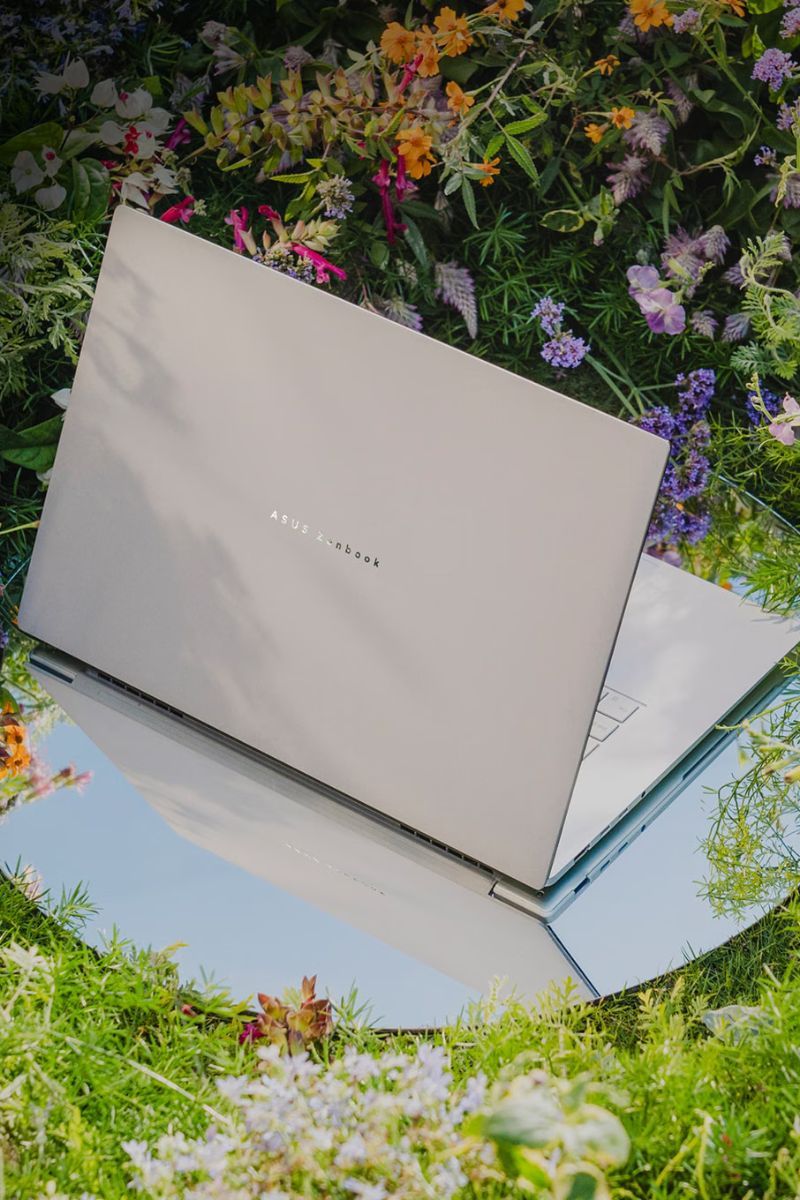
For the longest time, the lightweight productivity laptop had a familiar face and a logo shaped like a fruit. That is, unless you specifically wanted to stay within the Windows ecosystem. But the landscape has shifted over the past few months. As prices have risen across the tech industry, Windows laptops have become far more competitive, with several now offering a compelling alternative to the MacBook Air and even the entry-level MacBook Pro. One such contender is Asus' updated Zenbook S14. Priced at ₹2.19 lakh, with discounts bringing it down to around ₹1.40 lakh, it promises flagship performance in a sleek, travel-friendly package. To see whether it lives up to those claims, I used it as my primary work laptop for two weeks.
The Touch & Feel
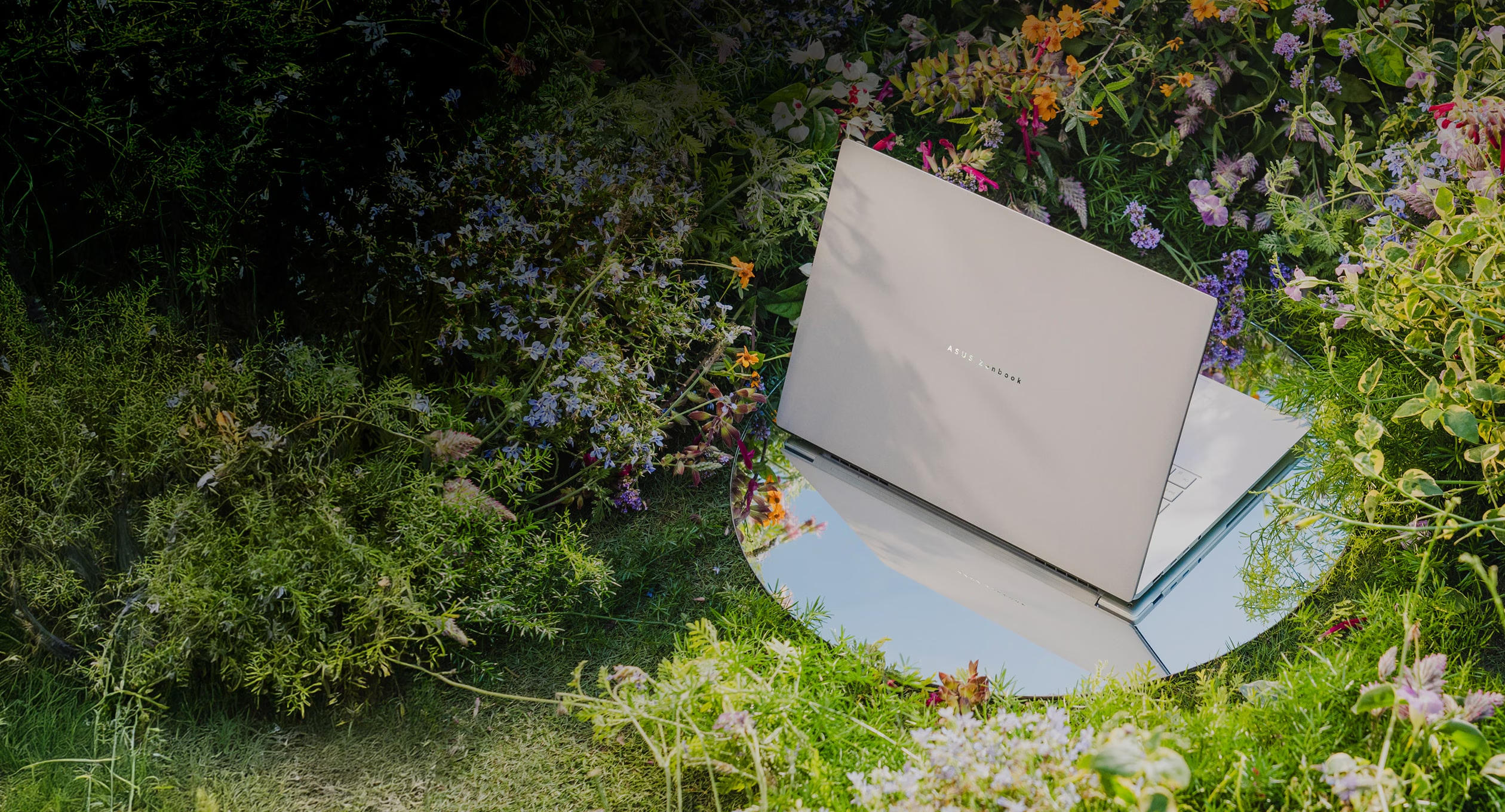
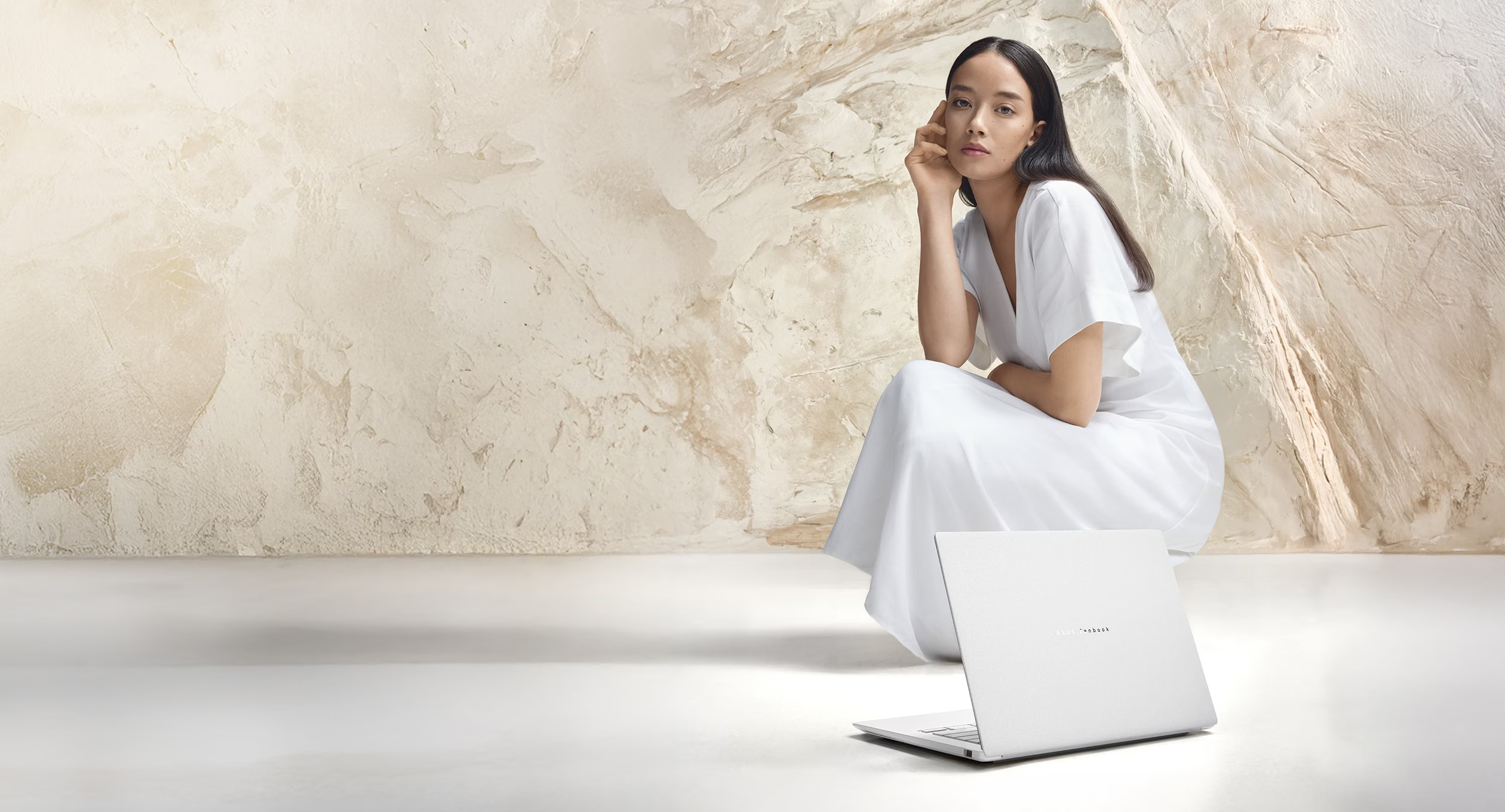
The Zenbook S14's unboxing experience is fairly standard, but the laptop itself feels premium from the moment you pick it up. It features ASUS' proprietary Ceraluminum finish, a material created by putting aluminium through a ceramisation process. The result is a surface that resists fingerprints and smudges remarkably well, something that held throughout the two weeks I used it. It also gives the chassis a smooth, almost silky texture that feels noticeably more premium than conventional aluminium laptops.
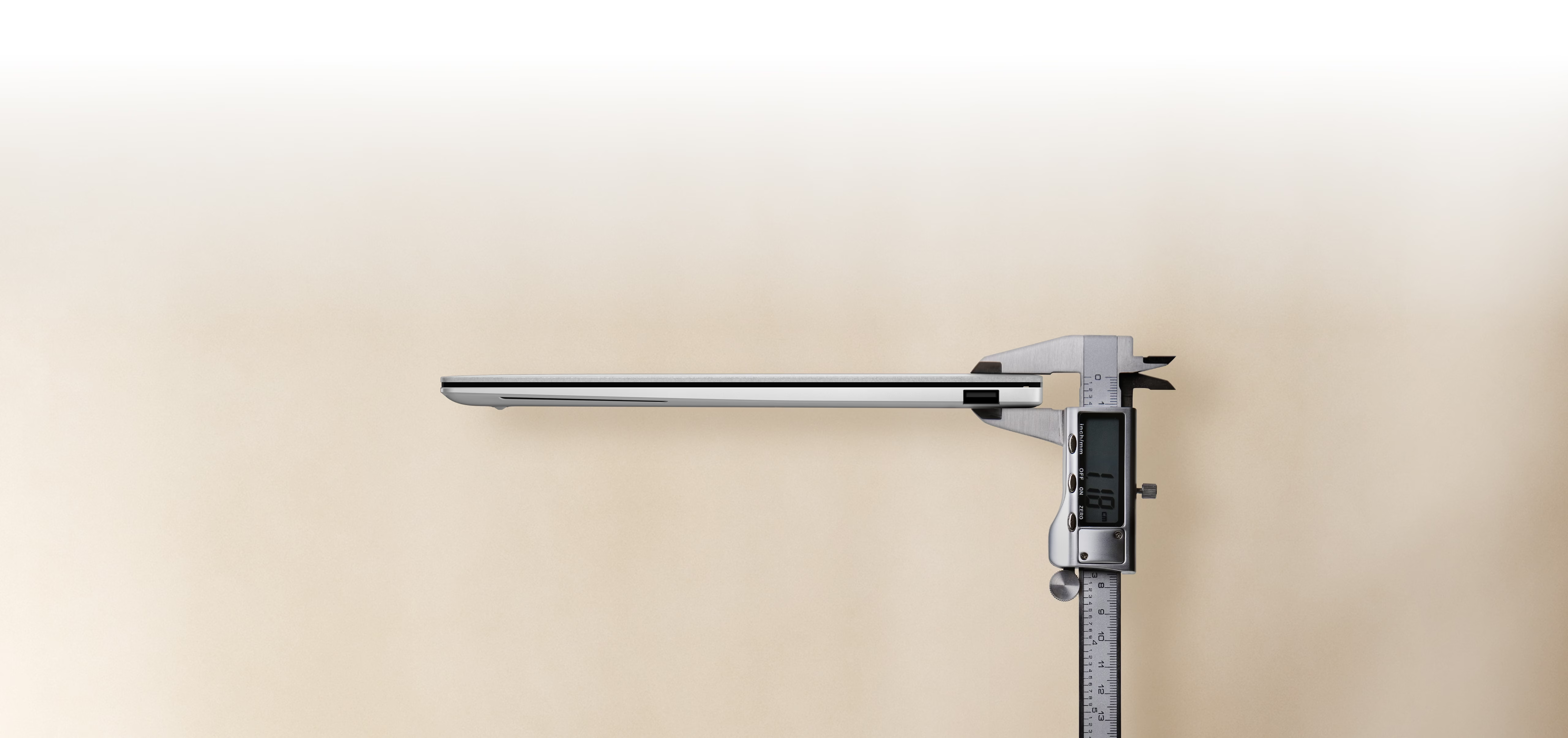
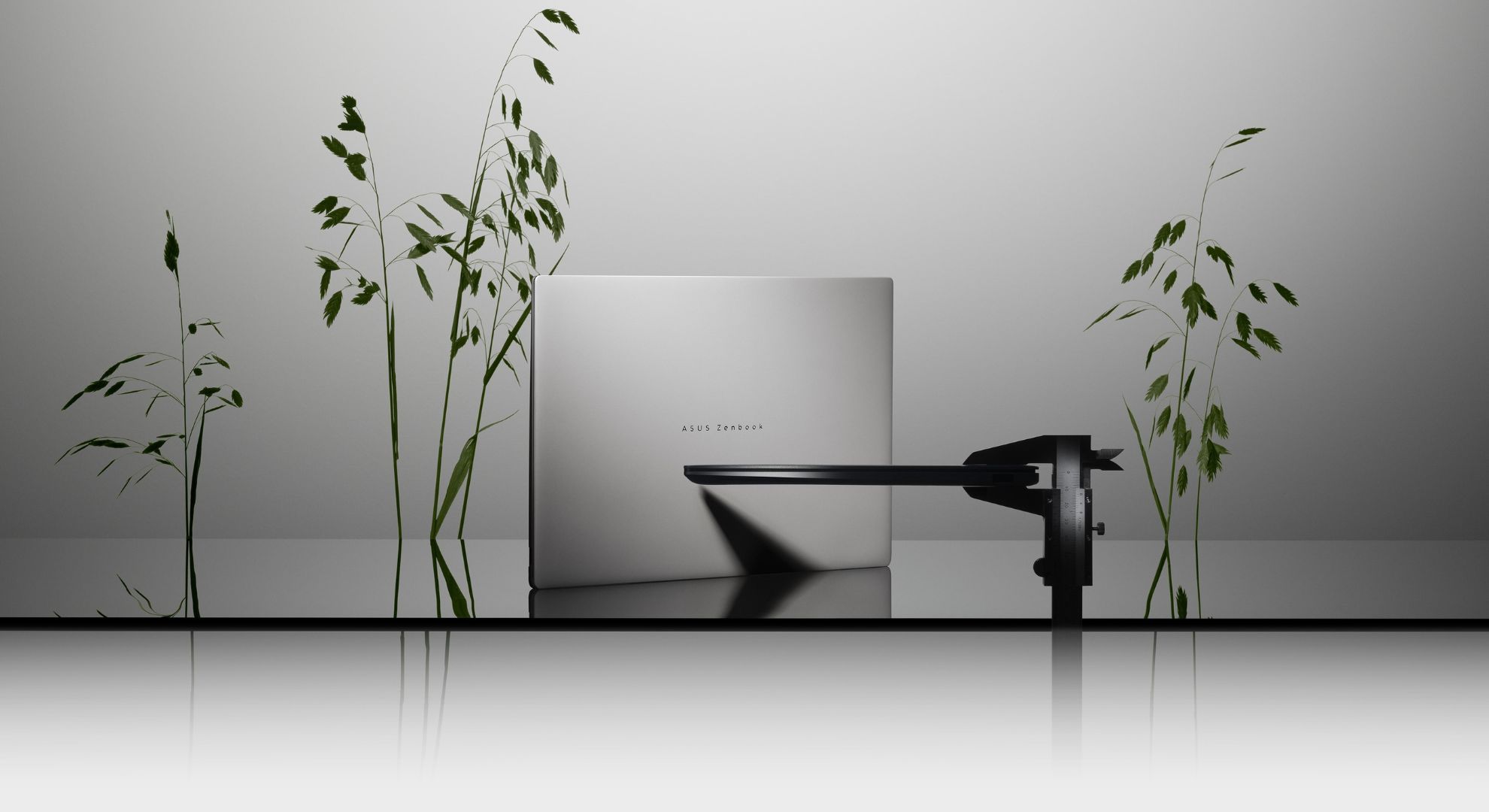
Weighing just 1.2kg, the Zenbook S14 is exceptionally light, making it an ideal travel companion. Its gently tapered profile is also reminiscent of the original MacBook Air, giving it a sleek silhouette.
The Big, Bold & Beautiful Display
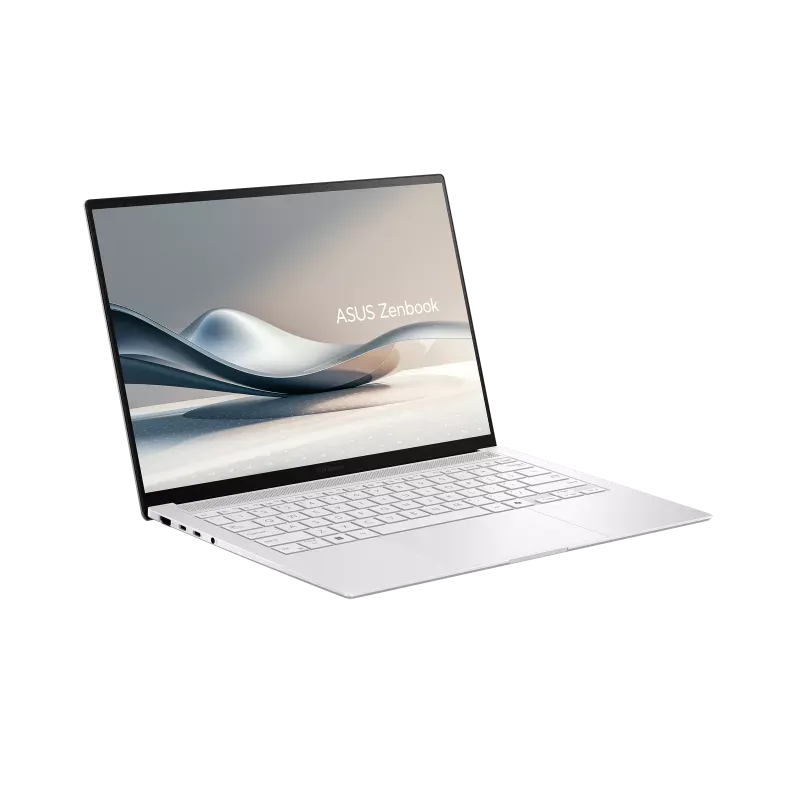
A great display can make a world of difference to your workflow, and that's especially true if your work revolves around visuals. A large part of my job involves reviewing creatives and selecting the best images for stories, so display quality matters. Over the two weeks I spent with the Zenbook S14, its 14-inch 3K (2880 × 1800) OLED display consistently impressed.
A big reason for that is the 16:10 aspect ratio. Compared to the more conventional 16:9 layout, it offers more vertical screen real estate, making it easier to keep multiple windows open, compare documents and work with longer pages without constantly scrolling. The panel itself is stunning. Colours are rich and punchy, text is razor-sharp, and the true OLED blacks give content incredible depth and contrast. Whether I was editing images during the day or unwinding with a film at night, the display was an absolute joy to look at. It's easily one of the Zenbook S14's biggest highlights.
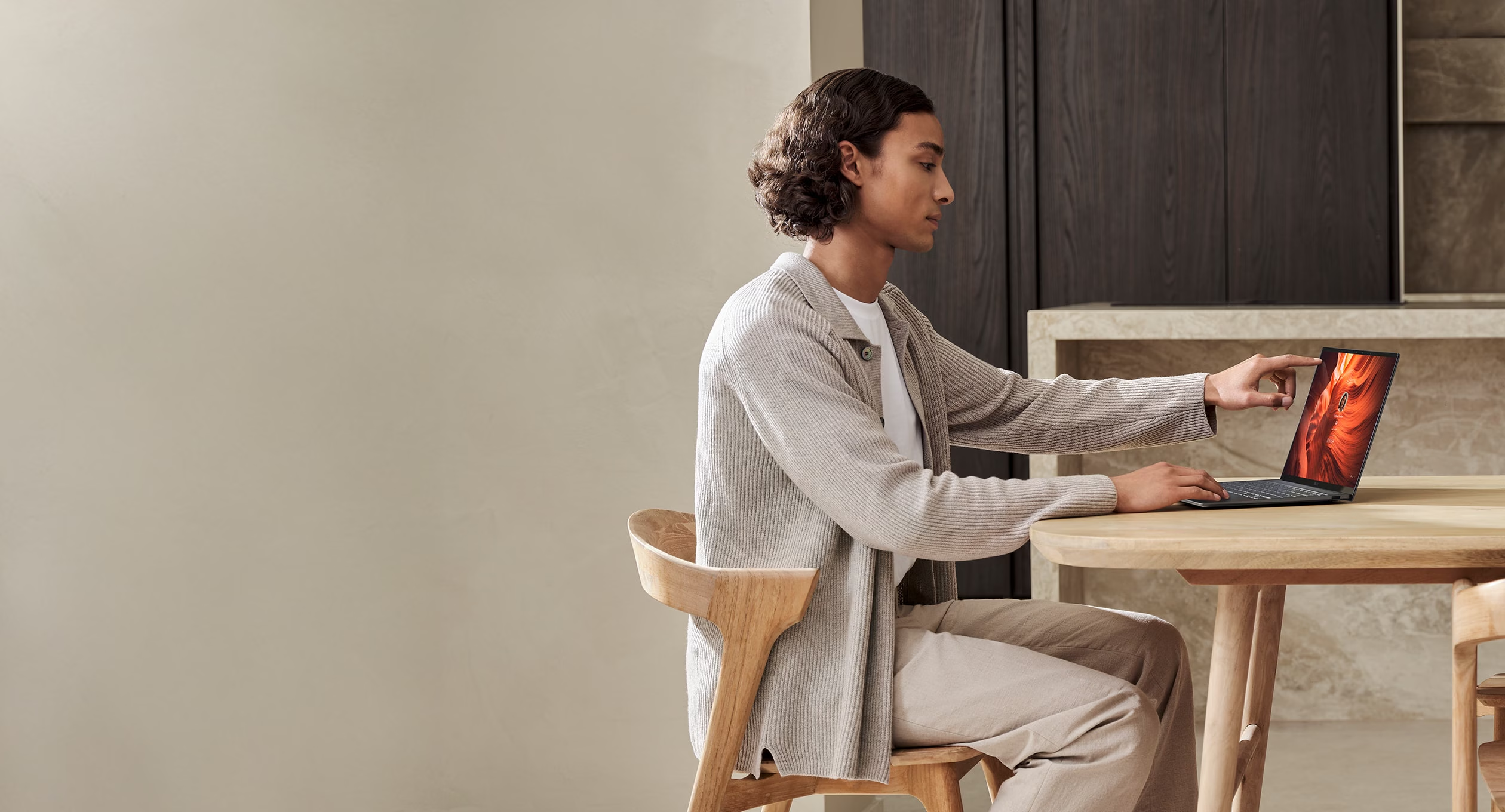
The touchscreen is another feature I didn't expect to appreciate as much as I did. Paired with a smooth 120Hz refresh rate, it often felt more intuitive to simply reach out and tap the display rather than use the trackpad or keyboard for quick actions. It's one of those features you barely think about once you get used to it, until you switch back to a non-touch laptop and immediately miss having it.
The Performance
Specs:
Intel Core Ultra 9 Processor 386H
32GB LPDDR5X
1TB M.2 NVMe PCIe 4.0 SSD
Intel Graphics
While thin-and-light laptops aren't built to rival gaming machines, they are expected to excel at everyday productivity, especially at this price point. Apps should open instantly, multitasking should feel effortless, and everything should run without a hint of lag. For the most part, the Zenbook S14 delivers exactly that.
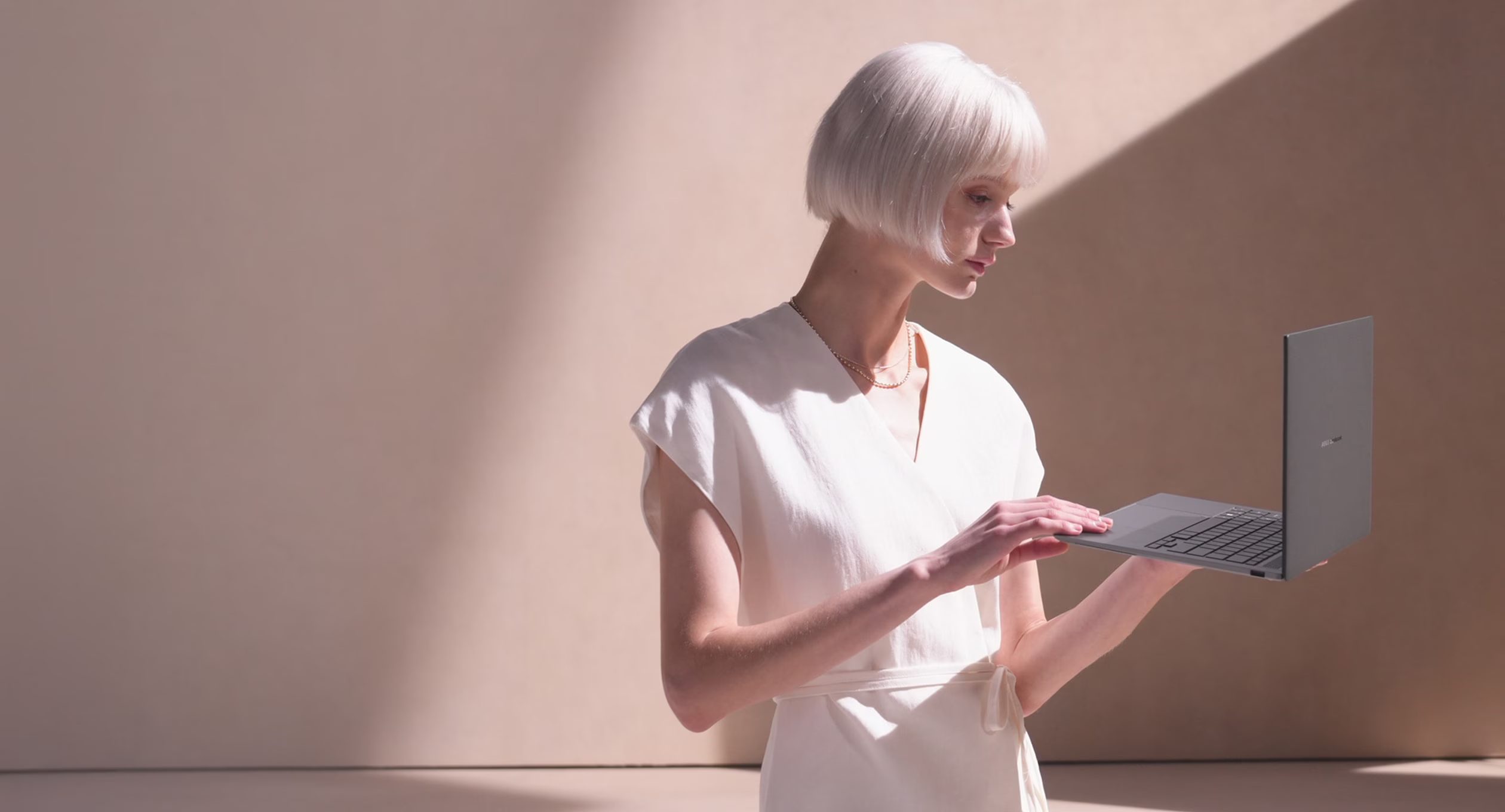
Whether I was juggling dozens of Chrome tabs, editing documents, working with high-resolution images or hopping between Canva, Spotify and Google Docs, the laptop remained consistently smooth and responsive. The only drawback I noticed was the fan noise. Even during relatively light workloads, the fans would occasionally spin up more than expected. It never affected performance, and considering just how slim the chassis is, it's impressive that ASUS has managed to pack in an effective cooling system.
Thermals are another strong point. Despite its slim profile, the Zenbook S14 remained comfortably cool throughout my review period, even under heavier workloads.
The keyboard is easily one of my favourite parts of the Zenbook S14. The keys are well spaced, have a satisfying amount of travel, and feel great to type on. Whether I was writing long articles or replying to emails, typing never felt fatiguing, and I found myself getting up to speed almost immediately.
The trackpad, on the other hand, is good without being exceptional. It's large, responsive and handled gestures reliably throughout my time with the laptop. That said, I've admittedly been spoiled by Apple's excellent Force Touch trackpads over the years, so this one didn't feel quite as tactile or refined by comparison.
Battery Life
Battery life is one area where the Zenbook S14 genuinely surprised me. I went into this review expecting to make a few compromises because of that gorgeous display, but ASUS has managed to strike a sensible balance. The 77Wh battery comfortably got me through a full day of writing, editing photos, juggling endless Chrome tabs, Spotify and the odd YouTube binge before I needed to reach for the charger.
My 2025 MacBook Air still squeezes out a little more life on a single charge, but it also has a less demanding display. More importantly, I never found myself thinking about the battery while using it, and that's probably the biggest compliment I can give it. For a laptop that weighs just 1.2kg and is designed to be carried everywhere, the battery life is absolutely respectable. ASUS also bundles a 68W USB-C charger in the box, while support for up to 100W USB-C charging means you can top it up quickly with a compatible charger.
Verdict
The Zenbook S14 is the kind of laptop that reminds you just how far Windows ultrabooks have come. For the longest time, if you wanted a thin, lightweight productivity machine, the MacBook Air was the obvious recommendation. That's no longer the case.
ASUS has put together a genuinely compelling package. The Ceraluminum chassis feels every bit as premium as its asking price suggests, the 3K 120Hz OLED display is stunning, and the performance is more than enough for anyone whose day revolves around writing, editing, spreadsheets, presentations or creative work. Throw in solid all-day battery life and a chassis that weighs just 1.2kg, and there's very little to complain about.
Is it perfect? No. The fans can get louder than I'd like during lighter workloads, and while the trackpad is good, it still doesn't match Apple's class-leading implementation. Thankfully, neither of those issues is significant enough to take away from the overall experience.
If you're shopping for a premium 14-inch Windows laptop, the Zenbook S14 deserves to be at the top of your shortlist. It's a laptop that stands confidently on its own merits, rather than trying to be a MacBook replacement.
Price: ₹ 272,990


