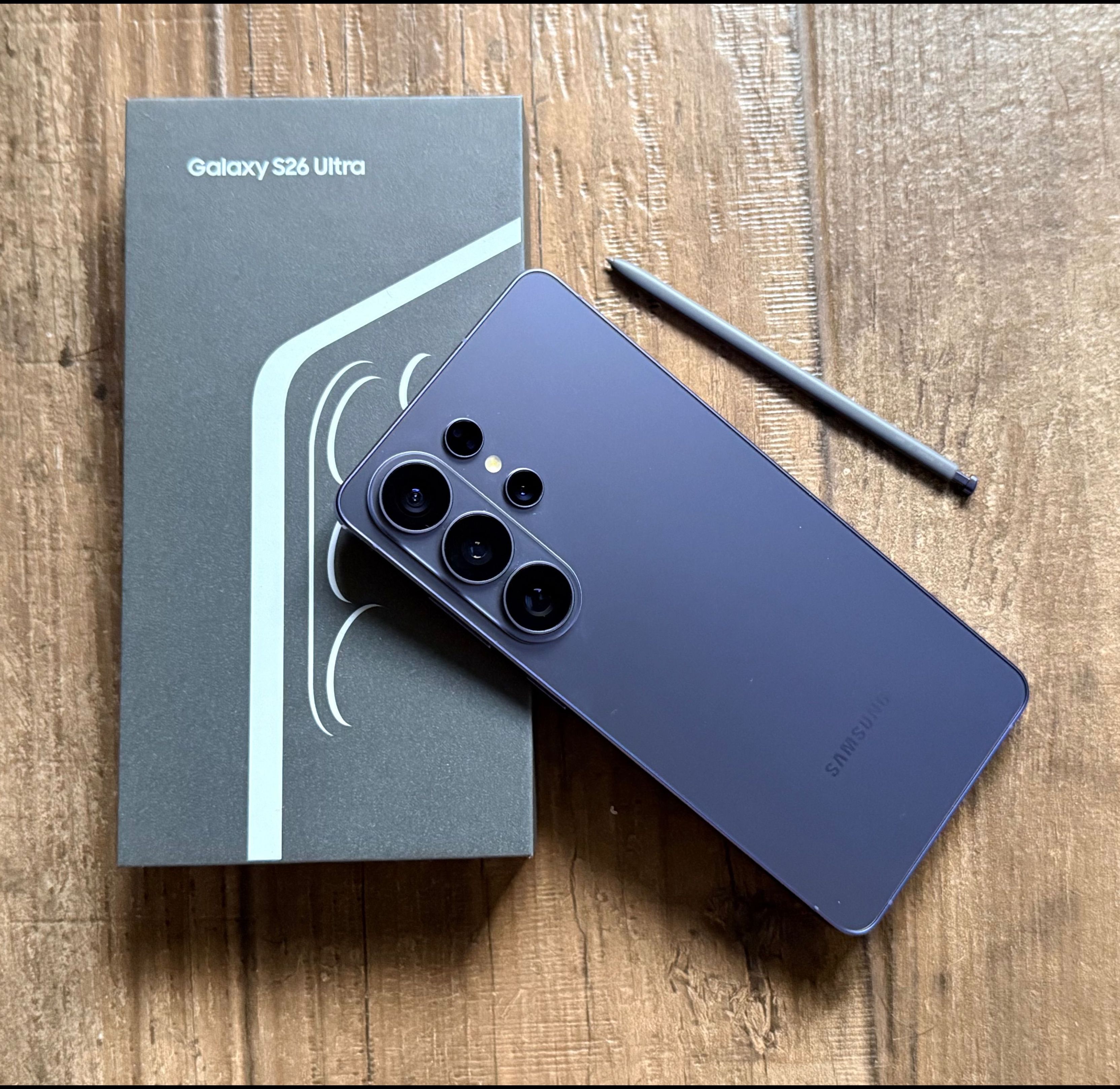
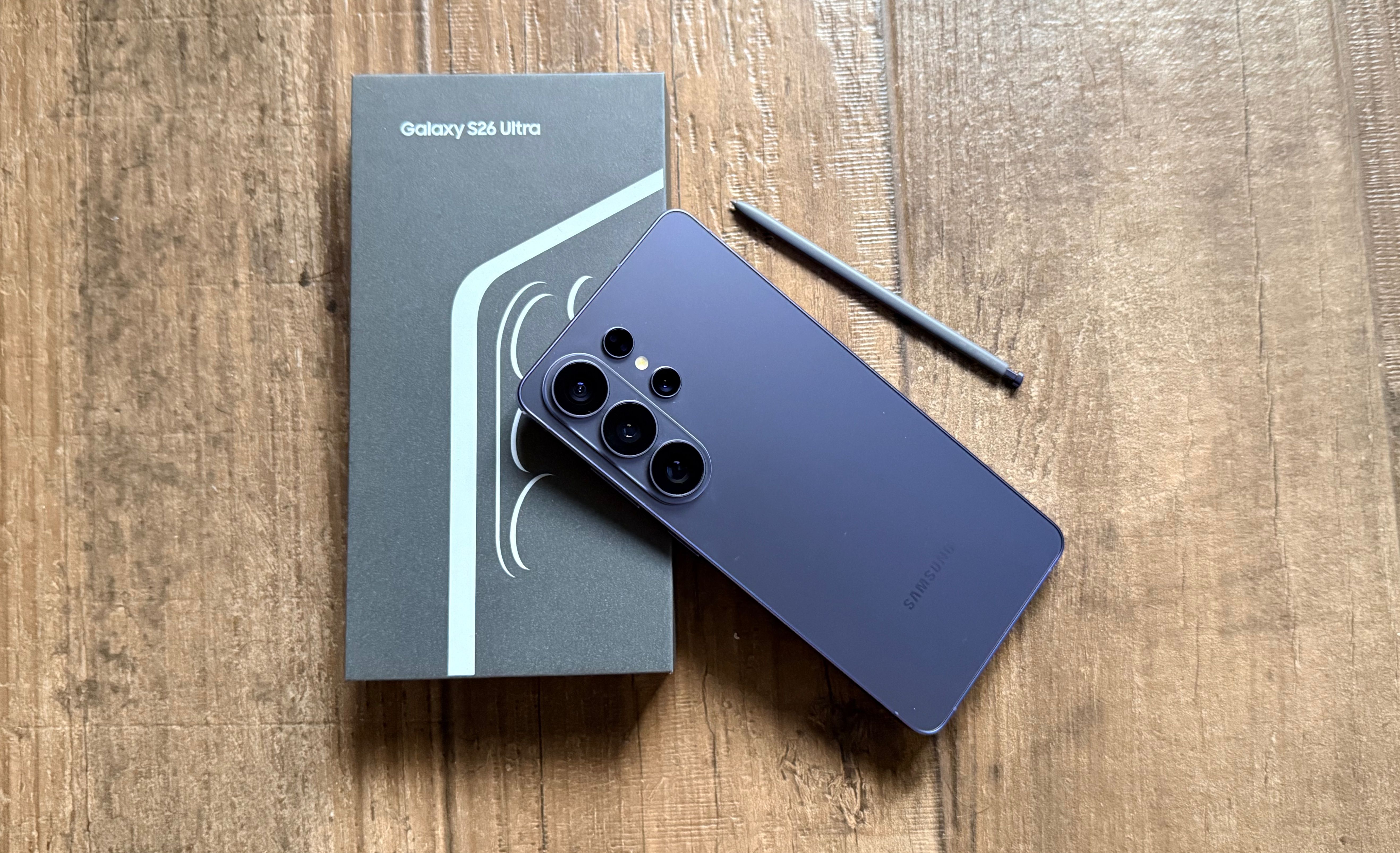
Last week, I had the chance to attend the unveiling of the new Samsung Galaxy S26 series and the Galaxy Buds4 Pro in the heart of Silicon Valley, San Francisco. Before the Galaxy Unpacked event took place at the Palace of Fine Arts on February 25, 2026, I was among roughly 20 Indian journalists who were given early access to the devices. Along with spending time with the phones themselves, we were also given a closer look at the engineering behind them and took part in roundtable discussions with top Samsung executives, JB Park (President and CEO of Samsung Southwest Asia) and Won-Joon Choi (Executive Vice President and Head of R&D for Samsung’s Mobile eXperience (MX) Business)—conversations that helped shed light on some of the features I would later end up using the most.
Once the devices were officially unveiled at the mega event, which was packed with media, influencers and Samsung partners, we were handed the phones to try out properly and see how they actually held up in everyday use, and whether they really lived up to Samsung’s tagline promise of “making your life easier”.

You’ve probably already heard about the headline innovations on the Samsung Galaxy S26 Ultra. The built-in Privacy Display quickly went viral after launch, and the camera capabilities are exactly what you’d expect from Samsung’s flagship line. But after spending a week with the phone, I realised there’s quite a bit more to it than the features dominating the headlines.
In fact, it may have even converted me—someone fairly locked into a competitor ecosystem—into believing that I could realistically switch to an Android phone as my daily driver. So if you’re looking for a traditional tech spec breakdown, this story may not be for you. But if you want to know the ways this phone surprised me—and how it fits into everyday life rather than just on paper—follow along. Because after a week of using the Samsung Galaxy S26 Ultra, it wasn’t just the big-ticket features that stood out. It was also the smaller things you only notice once the phone becomes part of your routine.
Here are 12 features that genuinely stood out while using the Samsung Galaxy S26 Ultra:
A Screen That Knows When To Keep Things Private
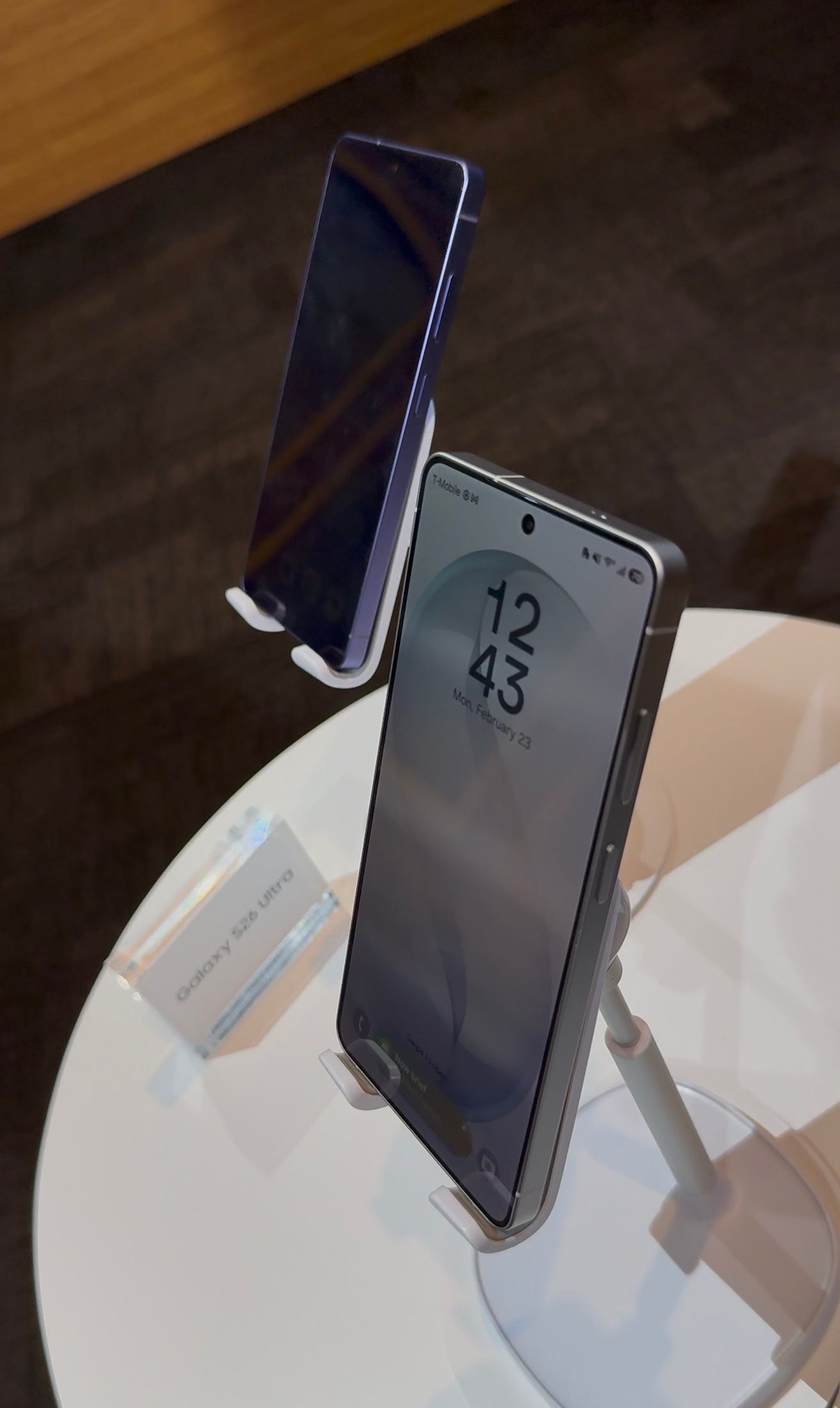
Stick-on privacy screens who? By now, you probably know that the Samsung Galaxy S26 Ultra comes with a built-in Privacy Display, but what’s particularly useful is the level of control it offers. You can toggle it on and off instantly, but you can also customise when it activates—whether that’s when viewing notifications, opening specific apps or entering passwords and PINs.
After using it for a few days, I realised it’s the kind of feature that quietly changes your behaviour. As someone who often makes bank transfers on the move or takes video calls in public spaces, it added a layer of reassurance that I hadn’t realised I needed.
A Scanner That Lives In Your Pocket
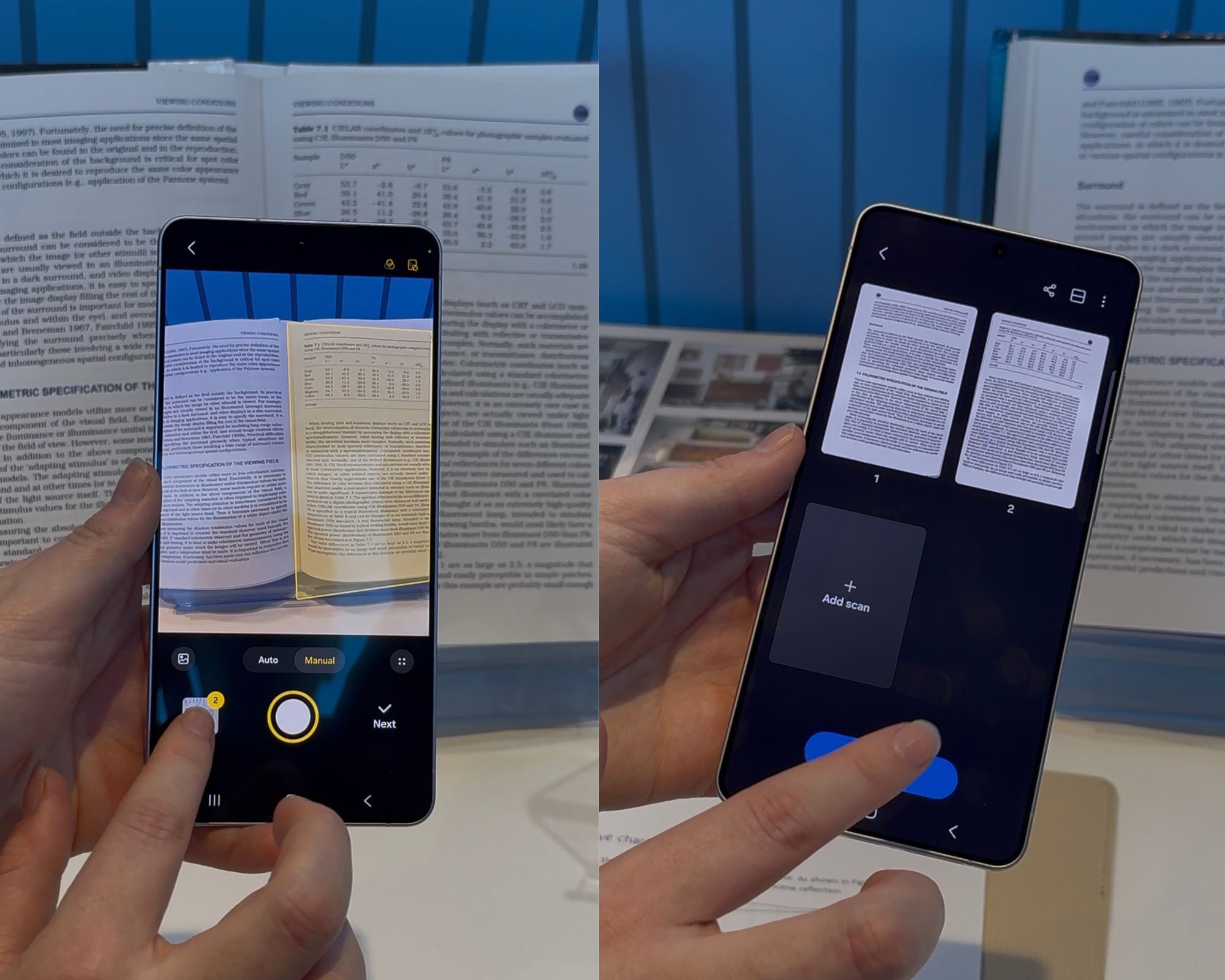
Let’s be honest—most of us haven’t used a traditional scanner in years. Whenever I need to digitise a document, I usually just take a picture of it. But that process often involves fiddling with angles, lighting and focus to make sure everything is legible.
The Galaxy S26 Ultra streamlines this completely. You simply take a photo, and the phone automatically adjusts the crop, brightness and focus. Need to add another page? Just snap the next image and the phone compiles everything into a single, clean PDF—no additional apps or subscriptions required. It’s a small feature, but one that has proven surprisingly useful in everyday situations.
The Stylus Still Matters

While the Samsung Galaxy S26 Ultra is impressively slim and tactile—measuring 7.9mm thick and weighing 214g—it still holds on to something that has become increasingly rare in modern smartphones: a built-in stylus. And thankfully, Samsung hasn’t done away with it in 2026.
The S Pen remains tucked neatly into its slot at the bottom of the device, and the moment you pop it out, the Notes app launches automatically, ready for you to jot something down. It sounds simple, but in everyday life it’s surprisingly useful—whether you’re quickly noting down an idea, writing a reminder or sketching something out in the middle of the day.
The stylus is always charged when docked in the phone, which means it’s ready whenever you need it. If you’re someone who constantly relies on making quick notes—like I do—it almost feels like having a pen in your pocket at all times.
Your Photos, Exactly The Way You Imagine Them
Samsung is clearly leaning heavily into AI with the S26 series. Tools like Photo Assist and Creative Studio allow you to tweak images using simple prompts. Want to remove an unwanted object? Change the background entirely? Add elements that weren’t there before? All it takes is typing what you want.
Some edits are practical—removing a photobomber, for example—while others are more playful. You could technically add flying fish to the sky if you felt like it. Creative Studio also lets you combine text, stickers and images to create things like invitations, memes or social graphics without needing a separate design app.
Videos That Stay Steady, No Matter What
The camera system on the Galaxy S26 Ultra is flagship-level: a 200MP main camera, a 50MP ultra-wide, dual telephoto lenses and a 12MP front camera. Zoom performance is impressive, and AI plays a significant role in refining lighting, clarity and colour.
But one of the most useful features for video is something called Horizontal Lock. When filming, you can lock the frame so that even if you move or rotate the phone by a full 360 degrees, the recorded video maintains the original framing.
This feature has existed on some camera-focused phones before, but seeing it integrated into Samsung’s flagship makes it far more accessible and reliable, especially when filming concerts, sports events or any situation where you’re moving around.
Low-Light Videos And Photos That Still Look Crisp
Samsung’s Nightography allows you to capture low-light photos and videos with more realistic colours, meaning night skies or cityscapes don’t end up looking artificially tinted. The camera also does a solid job reducing grain and motion blur when filming moving subjects in dim lighting.
For anyone who frequently records night scenes—concerts, travel footage or even casual evening outings—the difference is quite apparent.
Search That Actually Finds What You Need
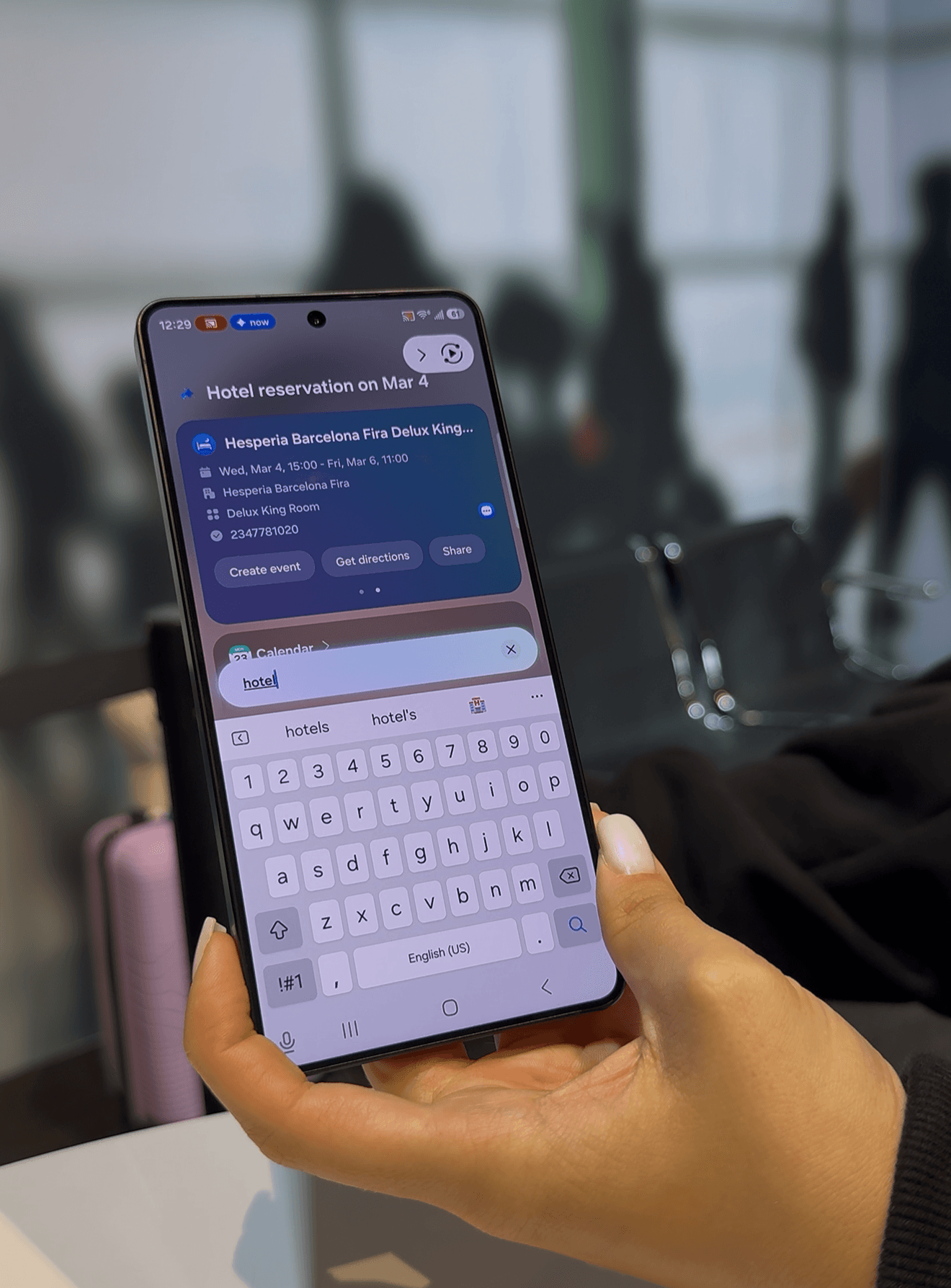
We’ve all had the experience of knowing we saved something somewhere—but not remembering where. Maybe it’s a flight ticket buried in email, a document in Files, or a booking confirmation in WhatsApp.
With the Galaxy S26 Ultra, searching feels far more intuitive. Instead of digging through individual apps, you can simply type a keyword—like “hotel” or even something as vague as “Barcelona"—and the system surfaces the relevant result. Visual search also gets an upgrade. Spot a pair of sneakers in someone’s photo? You can circle them on the screen and search instantly.
Even system settings become easier to manage. Instead of navigating multiple menus, you can simply ask Bixby to help—like finding files that are taking up too much storage.
Leave The Menial Tasks to AI
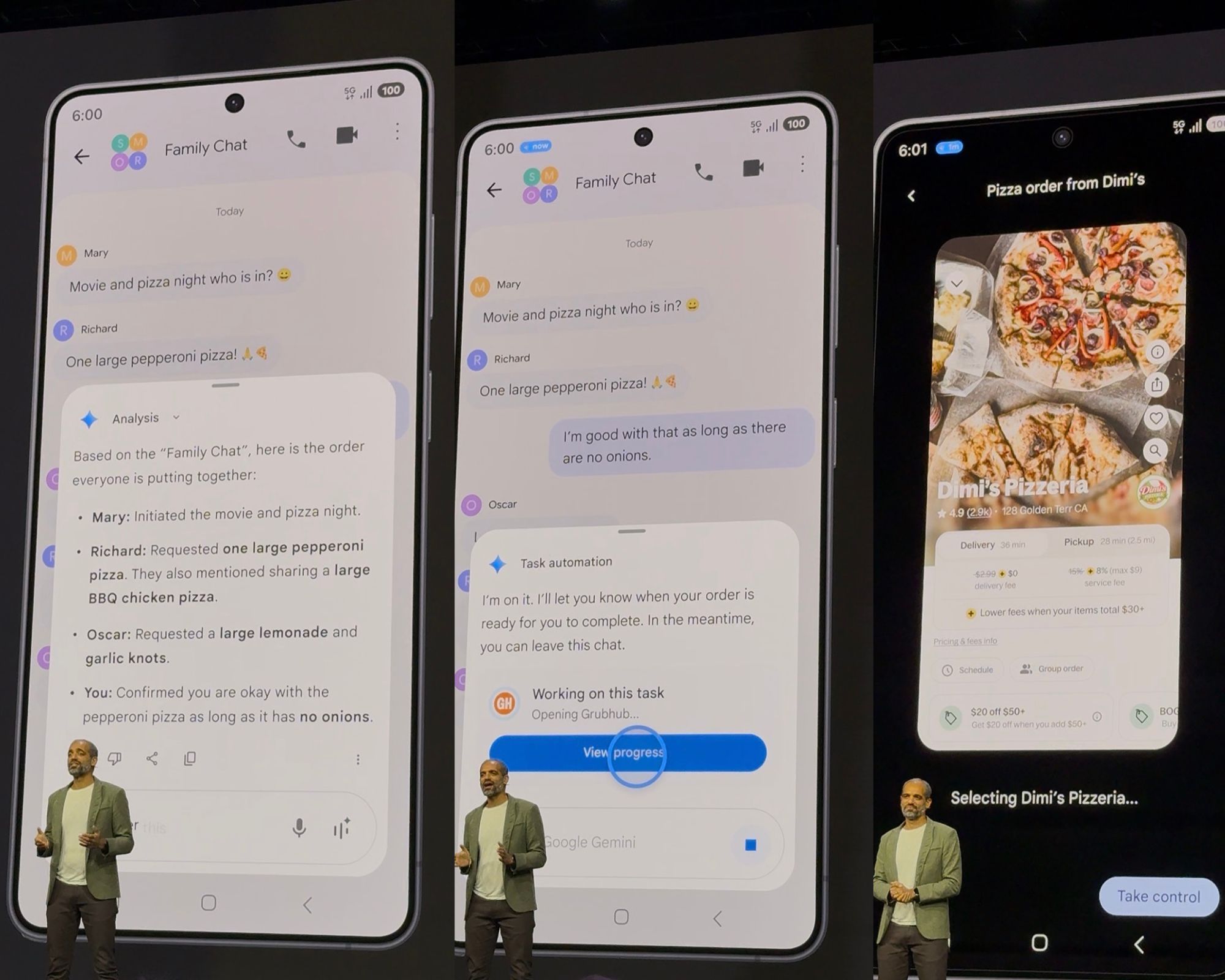
In many ways, using the Galaxy S26 Ultra feels like having a quiet personal assistant working in the background. The phone can help handle everyday logistical tasks—booking cabs, checking travel plans, placing food orders or even helping decide what to cook with whatever ingredients you already have at home.
For example, if you can Gemini to book a cab, it just does that in the background and notifies you when it arrives. If you’re discussing dinner in a group chat, the AI can summarise everyone’s preferences and place the order on the relevant app. If you only have three ingredients in your fridge, you can ask for a recipe and receive a step-by-step suggestion. It’s the kind of functionality that slowly reduces the number of small tasks you need to manage manually.
Your Schedule, Sorted Automatically
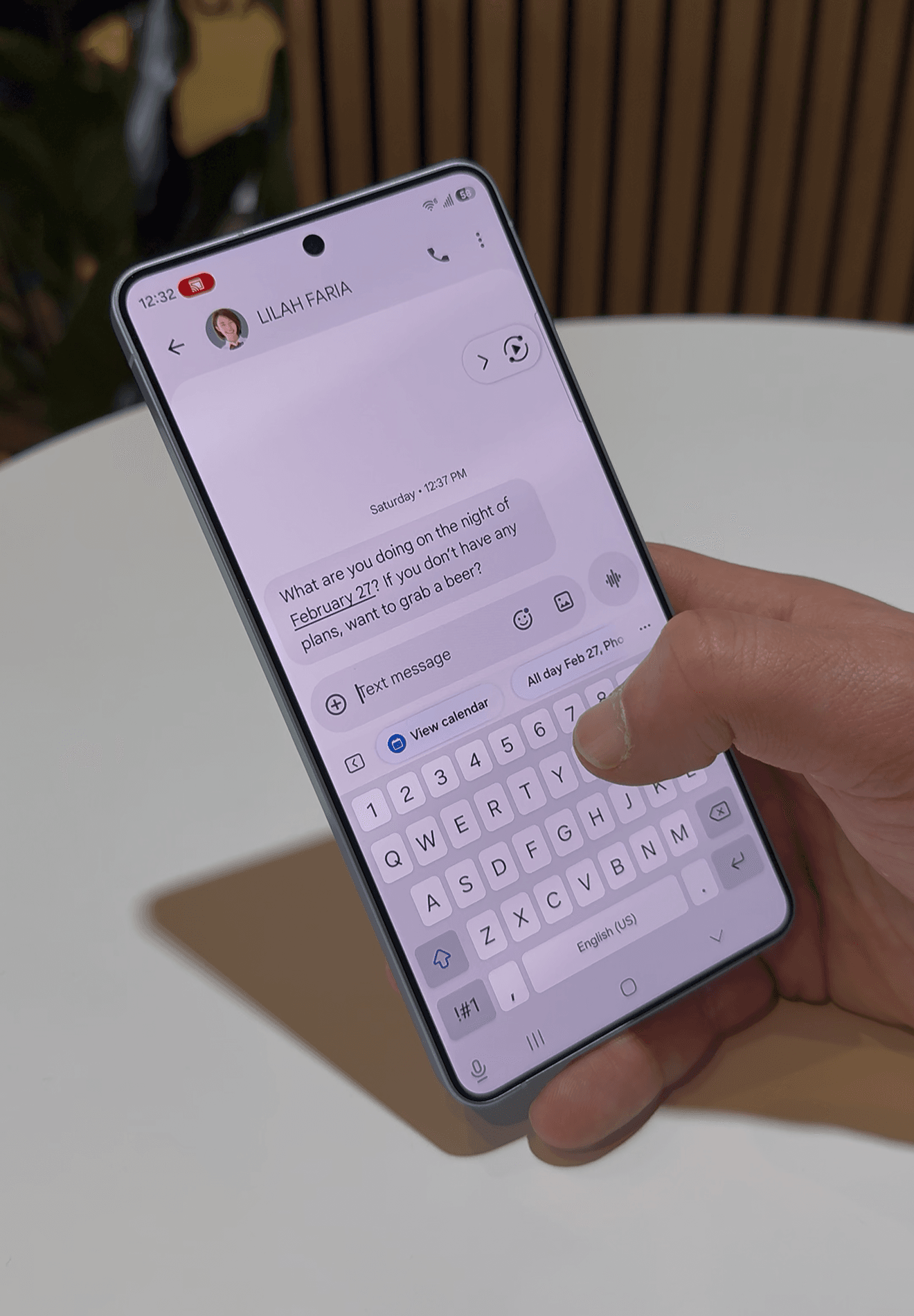
Another practical benefit is how the phone handles scheduling. Instead of manually adding every event to your calendar, the AI can recognise invitations from emails, messages and WhatsApp chats, and automatically suggest adding them to your calendar. It can even warn you about scheduling conflicts and suggest alternative times based on your availability. For anyone juggling work meetings, social plans and travel schedules, this kind of automation quickly becomes useful.
Sending Photos In One Tap
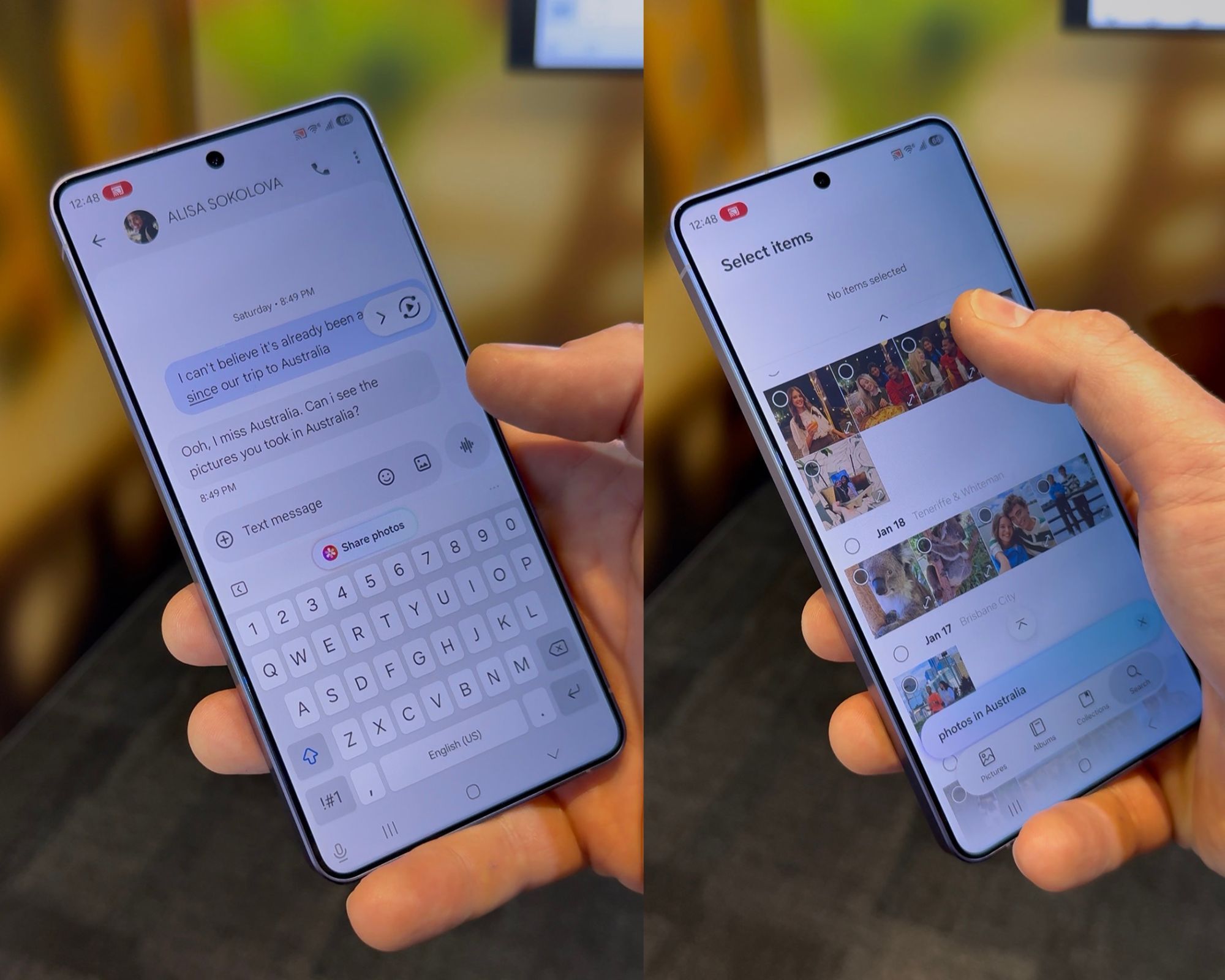
If you’re the person in your friend group who always ends up taking the photos, you’ll know what happens next—everyone asks for them.
The Galaxy S26 Ultra simplifies that process by automatically grouping photos taken during the same event. With one tap, you can share the entire set without sorting through your gallery manually. It’s a small convenience, but one that removes yet another step from the post-event routine.
In conclusion, after a week with the Samsung Galaxy S26 Ultra, one thing becomes clear: the most compelling aspects of the phone aren’t necessarily the headline features, but the smaller ones that quietly simplify everyday tasks.
That said, if you’re considering buying into the S26 series, the Ultra is the model that truly unlocks the full experience, as several of these features are not available on the S26 or S26 Plus. At ₹1,40,000 for the 256GB variant, it’s undoubtedly a premium purchase. But for those willing to make the investment, it’s a device designed not just to impress on paper—but to integrate seamlessly into daily life.


